


Best Power BI migration tools for 2026 | Last updated: October 21, 2026 | Author: Enterprise Analytics Research Desk | Tools tested: 10
Enterprise leaders in media, retail, life sciences, and manufacturing are moving to Microsoft’s analytics stack faster than ever, and choosing among the best Power BI migration tools for 2026 has become a board-level decision. This guide ranks 10 best Power BI migration tools compared for 2026, covering tenant-to-tenant movers, AI-powered legacy BI converters, and native Microsoft tooling, so data and analytics leaders can match a tool to their scale, budget, and risk tolerance.
TL;DR: Best Power BI Migration Tools for 2026
The table below summarizes the best Power BI migration tools for 2026 based on workload coverage, automation depth, governance, and total cost of ownership.
| Rank | Tool | Best For | Starting Price | Rating |
|---|---|---|---|---|
| 1 | Infocepts (Power Migrate) | End-to-end enterprise Power BI migration with measurable business outcomes | Custom engagement quote | 9.6/10 |
| 2 | Tabular Editor | Semantic model migration and DAX optimization | $100/year per user | 8.6/10 |
| 3 | Apps4.Pro Migration Manager | M&A tenant-to-tenant Power BI plus Microsoft 365 workloads | $5,995 per installation | 8.8/10 |
| 4 | Quest On Demand Migration | Enterprise tenant consolidation programs | Custom quote (tiered) | 8.5/10 |
| 5 | Pulse Convert | AI-driven Tableau and Cognos to Power BI dashboard conversion | $2,200 per dashboard | 8.3/10 |
| 6 | Kanerika FLIP | SSRS and Cognos report modernization at scale | Custom quote | 8.2/10 |
| 7 | ALM Toolkit | Free schema compare and merge for semantic models | Free | 8.1/10 |
| 8 | Microsoft Fabric native tools | In-platform Power BI Premium to Fabric capacity moves | From ~$262/month (F2 capacity) | 8.0/10 |
| 9 | Sparity BIPort | Cognos to Power BI migration with logic preservation | Custom quote | 7.8/10 |
| 10 | NousMigrator | Cognos to Power BI paginated report conversion | $10,000 to $12,000 one-time | 7.6/10 |
Our top pick is Infocepts. Its Power Migrate toolkit pairs automated assessment and conversion accelerators with deep Microsoft consulting expertise, and it delivered the most measurable cost and speed outcomes among the tools we evaluated.
Why You Need Power BI Migration Tools in 2026
Power BI migration tools move reports, semantic models, dashboards, and tenant content from legacy BI platforms (or from one Microsoft 365 tenant to another) into Power BI without losing business logic, governance, or user trust. Manual rebuilds are slow, error-prone, and expensive, especially when an organization carries thousands of legacy reports. Today, choosing among the best Power BI migration tools for 2026 means weighing AI-assisted conversion accuracy, tenant-to-tenant coverage, and post-migration governance, not just comparing feature checklists. For supporting market data, see Best BI Tools Ranked: 10 Platforms Compared 2026 | Power BI.
How We Evaluated These Tools
| Criteria | Weight | What We Measured |
|---|---|---|
| Migration Scope and Workload Coverage | 25% | Reports, semantic models, dashboards, dataflows, workspaces, gateways |
| Automation and AI Accuracy | 20% | Percentage of assets converted without manual rework |
| Ease of Implementation | 15% | Setup time, learning curve, documentation quality |
| Governance and Security | 15% | Permission mapping, validation testing, compliance controls |
| Pricing Transparency | 15% | Published pricing versus quote-only models |
| Vendor Support and Expertise | 10% | Migration track record, partner status, industry depth |
For industry-standard evaluation frameworks, see Project Management Tools Comparison: A 2026 Selection ….
1. Infocepts: Best for End-to-End Enterprise Power BI Migration

Infocepts is a global consulting firm specializing in Data and AI solutions. It offers one of the best Power BI migration tools for 2026 through its Power Migrate toolkit, built to move organizations off legacy platforms like Tableau, Qlik, SSRS, Cognos, and Business Objects. The toolkit combines automation, proven methodologies, and deep Microsoft expertise to speed up and de-risk the move.
Key Features
- Analyzer: Performs an automated scan of the entire legacy BI report inventory, evaluating complexity, usage patterns, and underlying data models to find redundancies and focus the migration on high-value assets.
- Converter: Uses an intelligent engine to transform legacy reports and data models into Power BI equivalents while capturing complex logic, accelerating conversion by 50 to 60 percent.
- Validator: Compares pre- and post-migration reports to catch discrepancies in visuals, data, or calculations, reducing QA time by up to 70 percent.
- Governance Orchestrator and Adoption Activator: Includes customizable training programs and UI/UX design enhancements that drive faster value realization.
- Proven delivery outcomes: In one case, Infocepts helped a global food company modernize analytics through a smooth migration to Power BI, delivering 40% cost savings, 60% faster insights, and a future-ready platform.
Best For
Infocepts suits enterprise technology leaders in media, retail, life sciences, and manufacturing who need a frictionless migration backed by both automation and hands-on expertise, rather than a basic conversion script. With more than 21 years of experience, it supports AI-led operations, advanced analytics, cloud modernization, and frictionless migration through proprietary platforms and a global footprint.
Pros and Cons
- Pro: Full migration lifecycle coverage, from assessment through adoption, rather than just a conversion script
- Pro: Microsoft Data and Analytics Solutions Partner status backed by enterprise case studies
- Pro: Built-in governance and validator tooling reduces post-migration rework
- Con: Pricing is engagement-based rather than published on a self-service price list
- Con: Best suited to mid-size and large migrations. Very small, single-workspace moves may not need the full toolkit
Key Takeaway: Infocepts offers an automated, expert-backed path for enterprise Power BI migrations, with Power Migrate and its methodologies delivering meaningful time and cost savings.
Rating: 9.6/10 Next, we look at a tool for teams whose main challenge is the semantic model.
2. Tabular Editor: Best for Semantic Model Migration
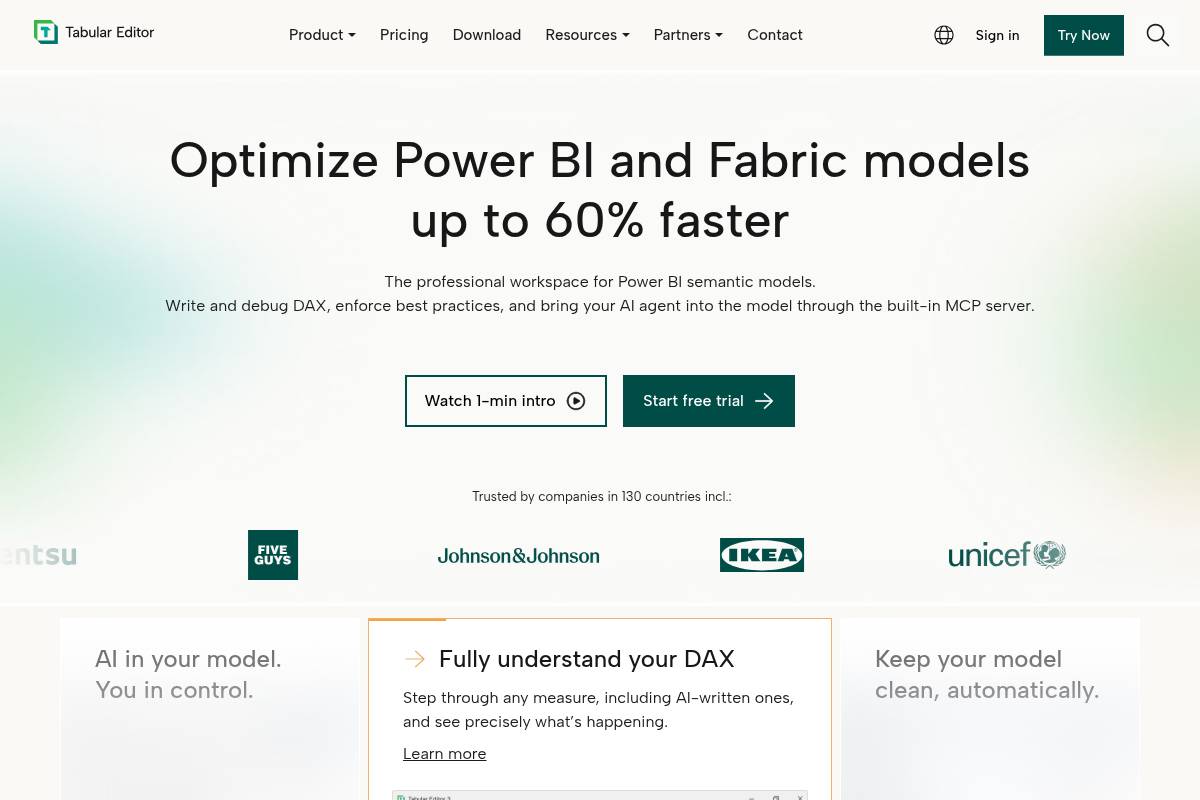
Tabular Editor is a professional semantic modeling tool for building, managing, and optimizing tabular models across Power BI, Microsoft Fabric, SQL Server Analysis Services, and Azure Analysis Services. That breadth makes it well suited to migrating and refining semantic models. Infocepts counts Tabular Editor among the leading solutions in this category.
Key Features
- Metadata-only editing: Gives BI developers a dedicated environment to edit semantic model components directly, without loading underlying data, including measures, columns, relationships, and calculation groups.
- Bulk migration scripting: Lets teams edit model metadata in bulk through C# scripting and reusable macros instead of one object at a time.
- Semantic Bridge: As of January 2026, includes a feature that automates the translation of Databricks metric views to Power BI semantic models.
- Flexible licensing: Offers Desktop, Business, and Enterprise editions, with pricing starting around $100/year per user. A free Tabular Editor 2 edition is available for lighter workloads.
Best For
Tabular Editor fits BI developers migrating Azure Analysis Services or SSAS models into Power BI Premium who want precise, scriptable control over the semantic layer rather than a point-and-click wizard.
Pros and Cons
- Pro: It is an industry-standard tool, officially featured by Microsoft as an external Power BI Desktop tool.
- Pro: Offers affordable per-user licensing, with a free community edition available.
- Con: It is Windows-only, so Mac-based Power BI Desktop users cannot use it.
- Con: It is not a visual report migration tool and addresses only the semantic model layer.
Key Takeaway: Tabular Editor is a scriptable, metadata-focused tool for teams that need tight control over semantic model migration and optimization.
Rating: 8.6/10 Next up is Apps4.Pro, which handles a different problem: moving content between tenants.
3. Apps4.Pro Migration Manager: Best for M&A Tenant-to-Tenant Migration
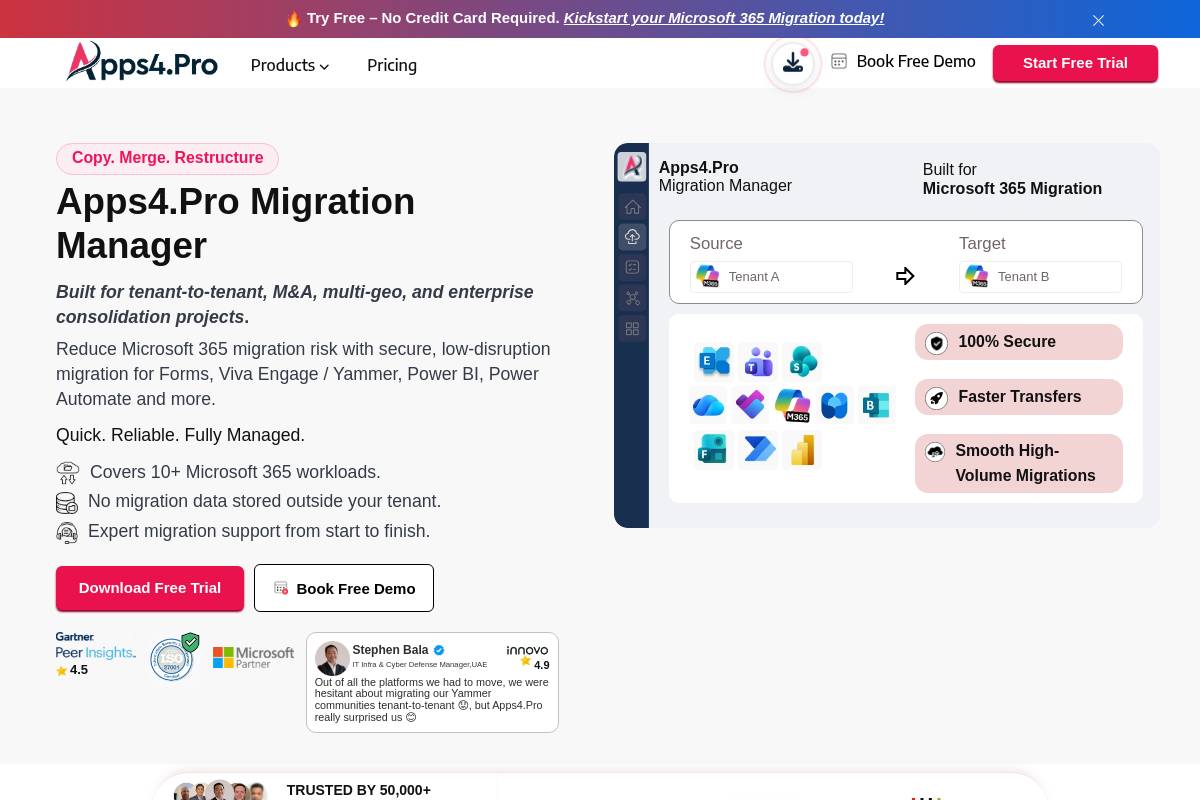
Apps4.Pro Migration Manager is a Microsoft 365 tenant-to-tenant tool built for mergers, acquisitions, and tenant consolidations where Power BI must move alongside other workloads. It handles Power BI shared and personal workspaces, reports, and semantic models, including dashboards with tiles, data source credentials, scheduled refresh settings, and direct permissions. Dataflows, apps, and paginated reports are not migrated, and gateways require manual configuration.
Key Features
- Broad Power Platform coverage: Supports Power Automate and Power BI workloads, moving automation workflows, datasets, reports, dashboards, and workspace configurations between tenants.
- Incremental sync: Supports incremental and delta sync to keep cutover windows short, plus parallel execution across multiple machines and CSV-based user mapping.
- Flat pricing tiers: Licensing scales flat from $5,995 for one machine to $8,995 for five machines and $17,995 for 20 or more, with no per-user fees.
- Free trial: Offers all migration features free for 15 days, with no credit card required.
Best For
This tool suits tenant consolidations, divestitures, or rebranding projects that need Power BI moved alongside Exchange, SharePoint, Teams, and Power Automate. Its flat pricing does not depend on headcount.
Pros and Cons
- Pro: One flat-fee license covers all workloads, instead of per-user billing.
- Pro: Offers broad M365 workload coverage beyond Power BI.
- Con: Dataflows, paginated reports, and apps are not migrated.
- Con: Gateways still need manual reconfiguration after migration.
Key Takeaway: Apps4.Pro offers a comprehensive, flat-fee option for complex M365 tenant-to-tenant moves involving Power BI and other critical workloads, despite some gaps in specific Power BI components.
Rating: 8.8/10 Quest takes a similar tenant consolidation approach, with a different licensing model.
4. Quest On Demand Migration: Best for Enterprise Tenant Consolidation
Infocepts highlights Quest On Demand Migration (ODM) as a solid option. ODM is a SaaS platform for tenant-to-tenant migrations across Exchange, SharePoint, OneDrive, Teams, and Power BI. It focuses on Power BI content that moves during tenant transitions, with an emphasis on shared workspace content and no on-premises software installation.
Key Features
- Supported data sources: Supports reports built on imported Excel, SQL Server on-premises, and Azure SQL, while excluding personal workspaces, apps, and pipelines.
- Power Platform scope: Migrates Power BI, Power Automate, and Power Apps, keeping Power Platform dependencies and configurations intact.
- Discovery and pre-migration reporting: Generates pre-migration reports and moves shared workspaces, connections, and workspace permissions for supported data sources.
- Quote-based licensing: Pricing is set per migrated user through a quote system, available under T3, T5, and T7 subscription tiers, with no publicly listed price.
Best For
Quest ODM suits large enterprises already standardized on Quest for broader Microsoft 365 tenant consolidation, offering a governed migration program for Power BI content within that ecosystem.
Pros and Cons
- Pro: Offers strong discovery and dependency mapping before migration begins.
- Pro: Backed by decades of Microsoft 365 migration experience.
- Con: Dashboards, personal workspaces, and apps are not currently supported for migration.
- Con: Quote-only pricing can complicate budgeting without direct sales engagement.
Key Takeaway: Quest On Demand Migration works well for enterprise Power BI tenant consolidation, particularly for shared workspaces. Personal content is a gap, and pricing requires direct sales engagement.
Rating: 8.5/10 Moving from tenant projects to content conversion, Pulse Convert targets teams with large Tableau and Cognos dashboard estates.
5. Pulse Convert: Best for AI-Driven Tableau to Power BI Conversion
Pulse Convert, developed by Office Solution AI Labs, is an AI-powered option among the best Power BI migration tools for 2026. It automates the move of Tableau and Cognos dashboards to Power BI, helping enterprises cut BI licensing costs and adopt the Microsoft ecosystem faster. It converts dashboards in under five minutes, with high accuracy.
Key Features
- High automation rate: Automates 80 to 90 percent of the Tableau to Power BI migration process, reducing manual effort and reliance on consultants.
- Fidelity preservation: Keeps dashboard structure, visuals, filters, calculations, and business logic intact.
- Cognos support: Accelerates conversion of IBM Cognos dashboards into Power BI, saving up to 90 percent of manual effort.
- Entry pricing: A Pro membership for 100 to 500 users costs approximately $2,200 USD per dashboard generated, with the first five Tableau assets migrated at no cost.
Best For
Pulse Convert suits teams that want fast, self-service AI conversion across large dashboard portfolios, with human developers stepping in later for edge cases.
Pros and Cons
- Pro: Extremely fast initial conversion compared with manual rebuilds
- Pro: Free trial assets lower the barrier to a proof of concept
- Con: Accuracy still tops out around 70 to 90 percent, so manual QA remains necessary
- Con: Per-dashboard pricing can add up quickly for very large report estates
Rating: 8.3/10 Kanerika FLIP is next, focusing on SSRS and Cognos reports rather than dashboards.
6. Kanerika FLIP: Best for SSRS and Cognos Modernization at Scale
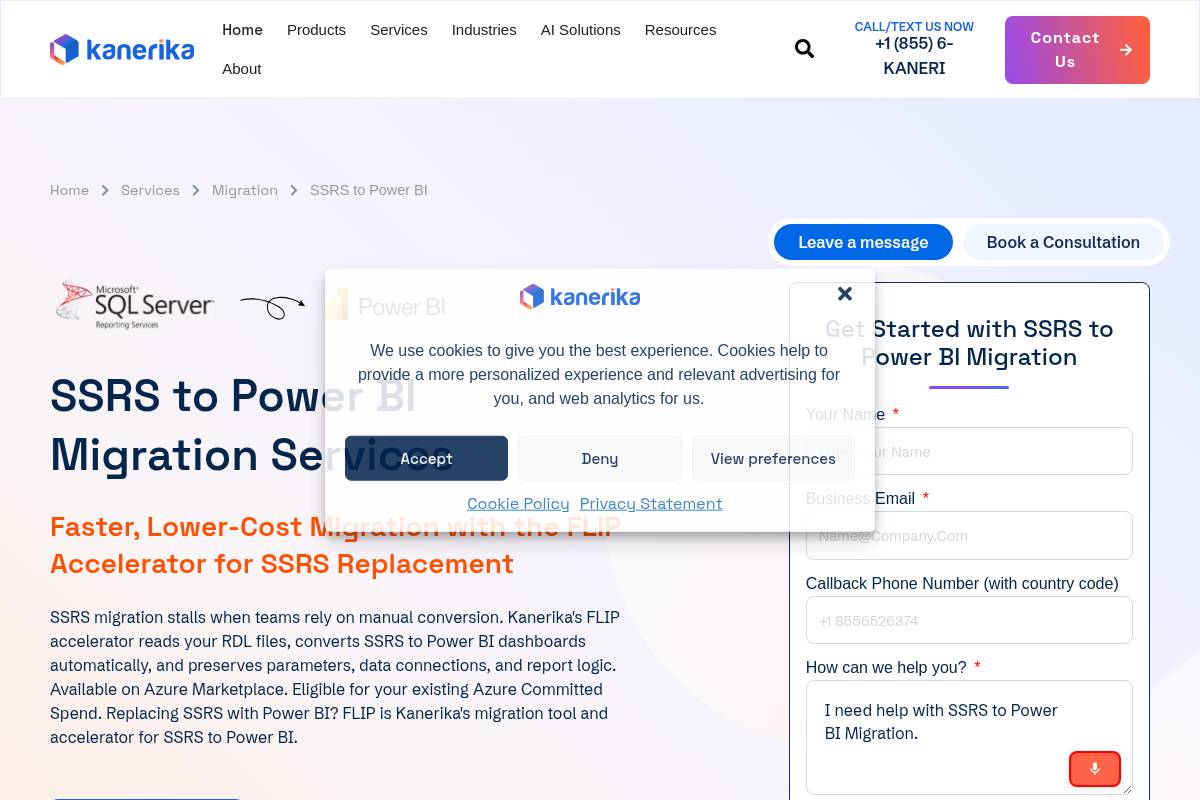
Kanerika FLIP is a specialized conversion engine that automates the move of SSRS (SQL Server Reporting Services) and Cognos reports to Power BI. It reads RDL files and keeps critical elements like parameters, data connections, and report logic intact. More details are available on Kanerika’s FLIP accelerator page.
Key Features
- Speed and Accuracy: The FLIP accelerator cuts migration time by 70% and delivers 99.9% data accuracy across converted reports.
- Automated Visual Mapping: Maps SSRS charts, tables, matrices, and conditional formatting to Power BI equivalents, converts VB.NET expressions into DAX measures, and turns parameters into slicers and filters.
- Comprehensive Cognos Conversion: Converts Cognos reports into Power BI dashboards, preserves visual components, and processes complex multi-page reports in minutes.
- Azure Marketplace Availability: Available on Azure Marketplace, simplifying procurement and deployment for Azure users.
Best For
Kanerika FLIP is ideal for enterprises managing large SSRS or Cognos report estates that want a vendor-led, automation-first approach.
Pros and Cons
- Pro: Shows a strong track record in migrating structured, parameterized paginated reports.
- Pro: Supports migration from both SSRS and Cognos, offering broad compatibility.
- Con: Pricing is not publicly published, so inquiries require a direct sales conversation.
- Con: Best results often come with an accompanying consulting engagement, not software licensing alone.
Rating: 8.2/10
Key Takeaway: Kanerika FLIP offers an automated, vendor-led route for large-scale SSRS and Cognos migrations, with a focus on speed, accuracy, and complete report conversion. If your priority is the data model rather than the reports, ALM Toolkit is the next tool to consider.
7. ALM Toolkit: Best Free Schema Compare Tool
ALM Toolkit is a free, community-supported schema comparison and merge tool for Power BI semantic models, and Microsoft officially recommends it as an external tool. It makes deployments across environments straightforward and preserves incremental refresh historical data along the way.
Key Features
- Schema comparison: Compares source and target semantic models object by object, highlighting additions, deletions, and changes before deployment.
- Selective merge: Lets teams choose exactly which model changes to promote, so an entire target model is never overwritten.
- Incremental refresh preservation: Retains historical partition data during promotion, which matters for large fact tables.
- Zero cost: Distributed free as a Power BI Desktop external tool, alongside Tabular Editor and DAX Studio.
Best For
ALM Toolkit suits internal BI teams handling their own Analysis Services to Power BI migration, offering safe, auditable schema promotion without a commercial DevOps suite.
Pros and Cons
- Pro: Completely free and widely trusted within the Power BI community.
- Pro: Helps prevent accidental data loss during incremental refresh migrations.
- Con: No dedicated vendor support line, so teams rely on community documentation.
- Con: Handles schema only, not visuals, dashboards, or tenant-level content.
Rating: 8.1/10 Next, we look at Microsoft’s own options for moving Premium workspaces to Fabric capacity.
8. Microsoft Fabric Native Tools: Best for In-Platform Capacity Migration
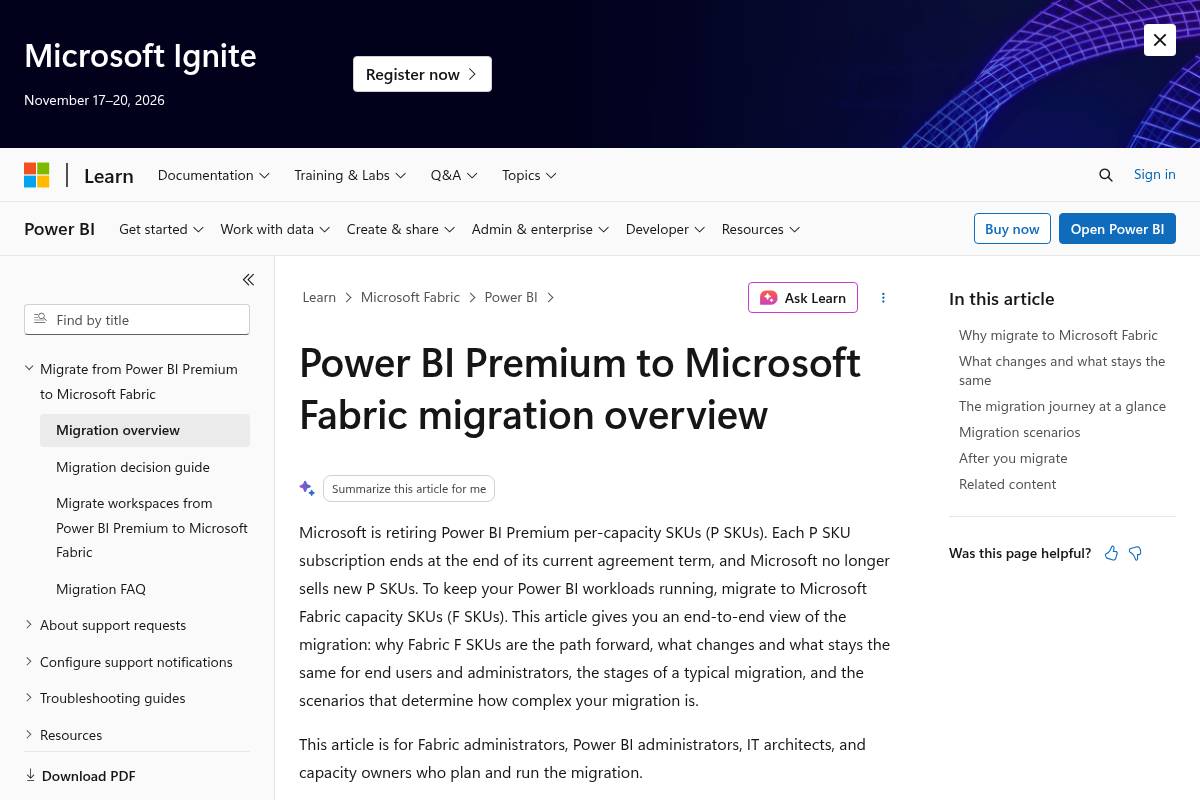
Microsoft Fabric native migration tools move workspaces from Power BI Premium P SKUs to Fabric F SKU capacities, either through the admin portal or a capacity migration notebook, as described in Microsoft’s official documentation. Organizations must reassign workspaces to a Fabric F SKU capacity before their P SKU subscription lapses. Access is throttled starting on day 31 after the P SKU subscription ends, and all operations are rejected from day 91 onward.
Key Features
- Workspace Reassignment: Reports, semantic models, and dashboards continue to work unchanged, and workspace apps, deployment pipelines, and Git integration keep full functionality.
- Deployment Pipelines: Support Data Warehouses, Lakehouses, Data Pipelines, Notebooks, Dataflows, Datamarts, semantic models, reports, and dashboards across Development, Test, and Production stages.
- Automated Migration Option: Microsoft provides an automated migration tool for moving items between Power BI and Fabric capacities, as an alternative to manual reassignment.
- Capacity-Based Pricing: Fabric F SKU capacities use pay-as-you-go pricing, with monthly costs from about $262 for F2 to $8,410 for F64. Reserved capacity can save about 41 percent.
Best For
Microsoft Fabric native tools are an excellent choice for organizations that want an in-platform transition. They suit teams already using Power BI Premium who need to move to Fabric capacity without changing source BI platforms, avoiding third-party tooling costs.
Pros and Cons
- Pro: No additional licensing cost beyond the Fabric capacity itself.
- Pro: Deeply integrated with Power BI’s existing admin and deployment pipeline features.
- Con: Does not address migration from non-Microsoft BI platforms.
- Con: Cross-region moves and large storage format models require manual handling.
Rating: 8.0/10
Key Takeaway: Microsoft Fabric native tools offer a cost-effective, integrated way to move Power BI Premium P SKUs to Fabric F SKU capacities, though they are limited to the Microsoft ecosystem. Sparity BIPort addresses a different gap: preserving logic when leaving Cognos.
9. Sparity BIPort: Best for Cognos Business Logic Preservation

Sparity’s BIPort is a migration assistant that automates the conversion of IBM Cognos reports, data models, and business logic into Power BI. It aims for a smooth transition that preserves critical calculations and sets up a modern, scalable analytics environment.
Key Features
- Structured assessment: Reviews Cognos reports, data sources, and calculations to map dependencies and business logic before conversion.
- DAX conversion: Converts complex Cognos calculations and expressions into Power BI DAX for full functionality.
- Free assessment offer: Provides a free demo and migration analysis report for Cognos workbooks before a full engagement.
- Logic-first approach: Designed to preserve business logic and enable real-time, AI-ready analytics.
Best For
BIPort suits organizations with heavily customized Cognos Framework Manager models that are more concerned about losing calculation logic than about migration speed alone.
Pros and Cons
- Pro: Strong emphasis on dependency mapping before conversion begins.
- Pro: Free demo and analysis reduces the risk of upfront commitment.
- Con: Pricing is not public, so every deal requires a sales conversation.
- Con: Narrower focus on Cognos only, compared with multi-platform converters.
Rating: 7.8/10 The final tool, NousMigrator, is also Cognos-focused but aimed squarely at paginated reports. For related guidance, see Planning For A Worry Free Data And Analytics Cloud Migration 5 Things To Consider.
10. NousMigrator: Best for Cognos Paginated Report Conversion
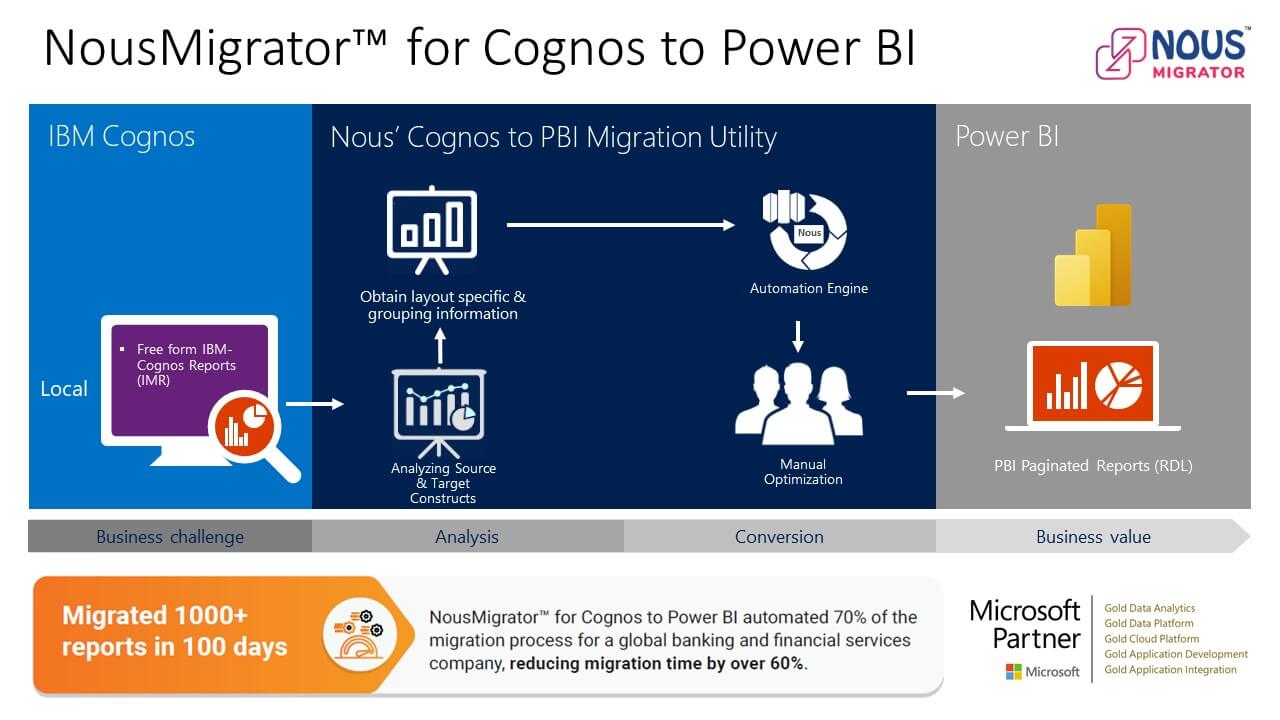
NousMigrator, developed by Nous Infosystems, converts large volumes of IBM Cognos reports into Power BI paginated reports. It is built for organizations with hundreds or thousands of legacy Cognos reports, and it earns its place among the best Power BI migration tools for 2026 for paginated content.
Key Features
- SaaS delivery: Delivered as a software-as-a-service (SaaS) platform, running in the cloud rather than requiring on-premises installation.
- Volume-focused design: Built for hundreds or thousands of legacy Cognos reports, with bulk conversion as the core use case.
- Paginated report targeting: Converts formatted Cognos reports into Power BI’s paginated report format, focusing on print-ready documents rather than interactive dashboards.
- One-time licensing: Available as a one-time purchase, perpetual license, typically priced between $10,000 and $12,000.
Best For
NousMigrator suits enterprises retiring large Cognos estates that depend on formatted, print-ready reports, as opposed to teams primarily seeking exploratory dashboards.
Pros and Cons
- Pro: Offers clear, published one-time pricing, with no recurring subscription costs.
- Pro: Purpose-built for high-volume paginated report conversion.
- Con: A narrow scope limited to Cognos paginated reports may not cover every scenario.
- Con: Less suited to organizations wanting modern interactive Power BI dashboards from legacy content.
Key Takeaway: NousMigrator excels at high-volume, one-time migrations of Cognos paginated reports to Power BI. It offers clear pricing, though its scope is narrow.
Rating: 7.6/10 The comparison table below shows how all ten tools stack up on the capabilities buyers care about most.
Full Comparison: Best Power BI Migration Tools for 2026
The table below places all 10 best Power BI migration tools compared for 2026 side by side across the capabilities enterprise buyers care about most.
| Tool | Legacy BI Conversion | Tenant-to-Tenant | AI Automation | Governance/Validation | Free Tier/Trial |
|---|---|---|---|---|---|
| Infocepts | ✓ | ✓ | ✓ | ✓ | ✗ |
| Tabular Editor | ✓ | ✗ | ✗ | ✓ | ✓ |
| Apps4.Pro Migration Manager | ✗ | ✓ | ✗ | ✓ | ✓ |
| Quest On Demand Migration | ✗ | ✓ | ✗ | ✓ | ✓ |
| Pulse Convert | ✓ | ✗ | ✓ | ✓ | ✓ |
| Kanerika FLIP | ✓ | ✗ | ✓ | ✓ | ✗ |
| ALM Toolkit | ✗ | ✗ | ✗ | ✓ | ✓ |
| Microsoft Fabric native tools | ✗ | ✗ | ✗ | ✓ | ✓ |
| Sparity BIPort | ✓ | ✗ | ✓ | ✓ | ✓ |
| NousMigrator | ✓ | ✗ | ✗ | ✗ | ✗ |
How to Choose the Right Power BI Migration Tool
By Team Size
Small analytics teams should start with free or low-cost tools like ALM Toolkit and Tabular Editor for semantic model work, saving budget for AI converters until report volume justifies the spend. Most estates also hold more reports than anyone actively uses, so auditing before migrating is worth the time. Mid-size and enterprise teams moving thousands of assets across departments usually benefit most from a managed partner like Infocepts.
By Budget
Tight budgets can lean on Microsoft’s native Fabric migration tools and ALM Toolkit, which carry no license cost beyond existing capacity. Larger budgets open the door to AI accelerators such as Pulse Convert or Kanerika FLIP, along with full-service engagements like Infocepts. These cost more up front but deliver measurable reductions in migration time and risk.
By Use Case
Tenant-to-tenant moves during M&A tend to favor Apps4.Pro Migration Manager or Quest On Demand Migration. Tableau or Cognos modernization points toward Pulse Convert, Kanerika FLIP, Sparity BIPort, or NousMigrator, depending on report format. If you need one accountable partner across assessment, conversion, validation, and adoption, Infocepts belongs at the top of your list. For additional buying guidance, see Comparing the Best Tools for B2B Lead Generation in 2026.
What Is Power BI Migration?
Power BI migration is the structured process of moving analytics content, including reports, semantic models, dashboards, and workspaces, from a legacy BI platform or another Microsoft 365 tenant into Power BI, while preserving business logic, security, and data accuracy. For a more detailed primer, see Power BI Migration from Excel: What the 2026 Deprecation ….
| Metric | Typical Range |
|---|---|
| Manual migration timeline for 1,000+ reports | Weeks to 24 months depending on complexity |
| AI-accelerated conversion time per dashboard | 6 to 16 minutes |
| Typical automation accuracy (first pass) | 70 to 90 percent |
| QA time reduction with automated validation | Up to 70 percent |
| Reported cost reduction from modernized migration | 40 to 55 percent |
Conclusion
Across every platform we tested, Infocepts stands out as the top pick among the best Power BI migration tools for 2026. Its Power Migrate tool
Planning a Power BI Migration?
Assess your legacy BI landscape, reduce migration risk, and accelerate modernization with Infocepts' Power Migrate framework and Microsoft-certified expertise.
Recent Blogs




The Enterprise AI & Data Transformation Partner. Delivering measurable business impact globally.
#1 on Gartner Peer Insights · 97.2% client retention