
96%
Reduced time to insight
53%
Increase in Sales
87%
Increase in informed decision-making
27%
Error Reduction
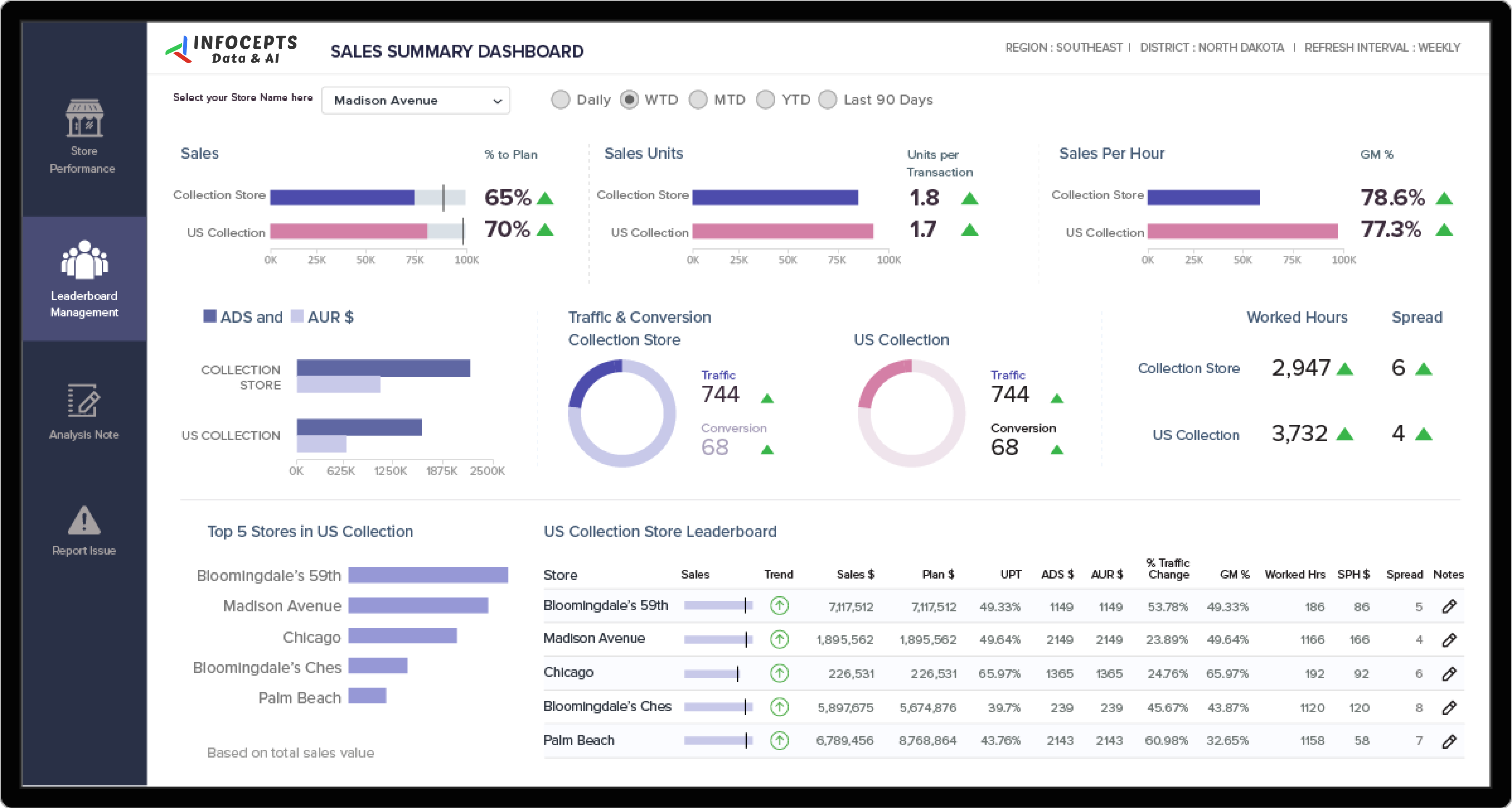
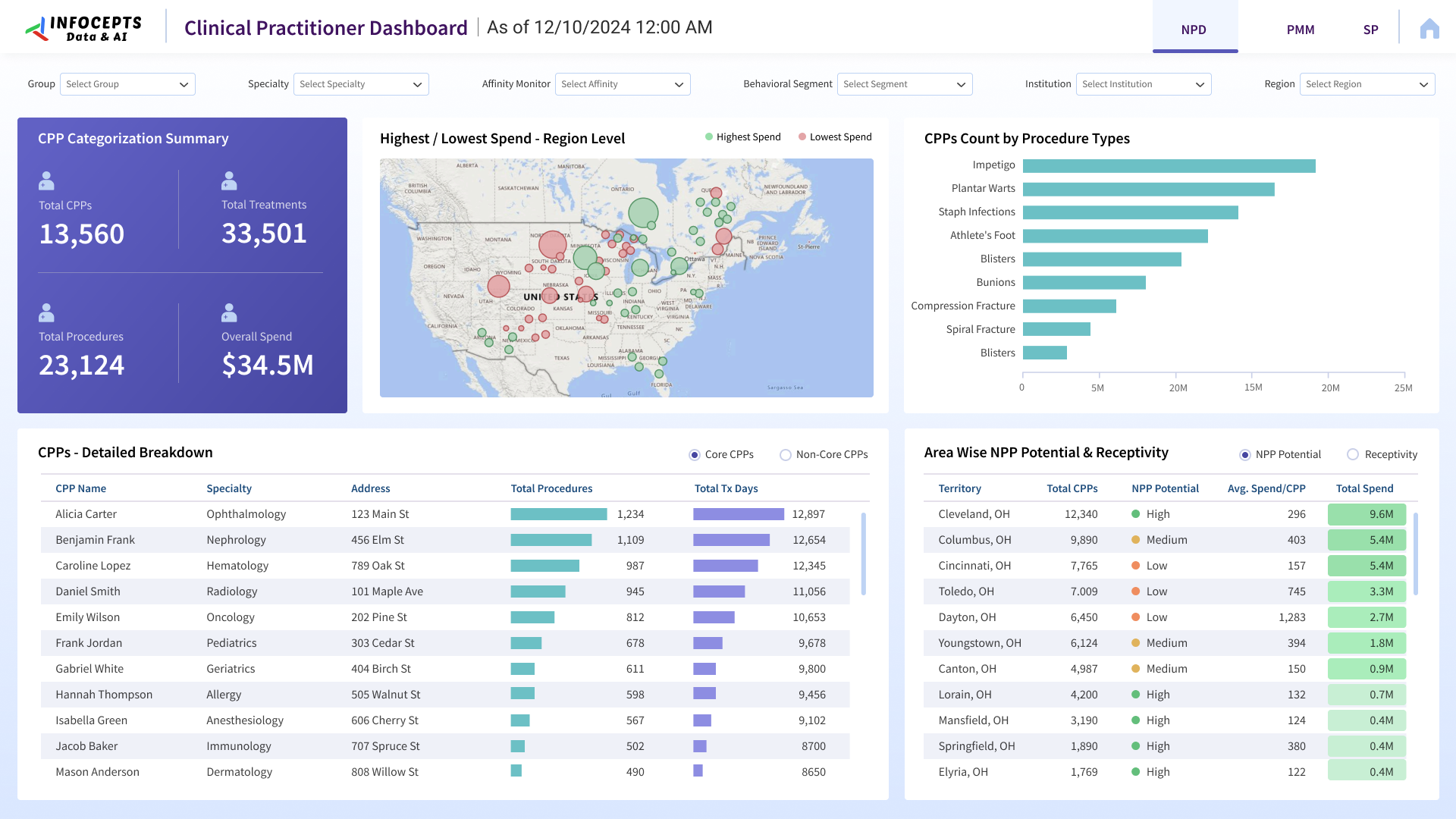
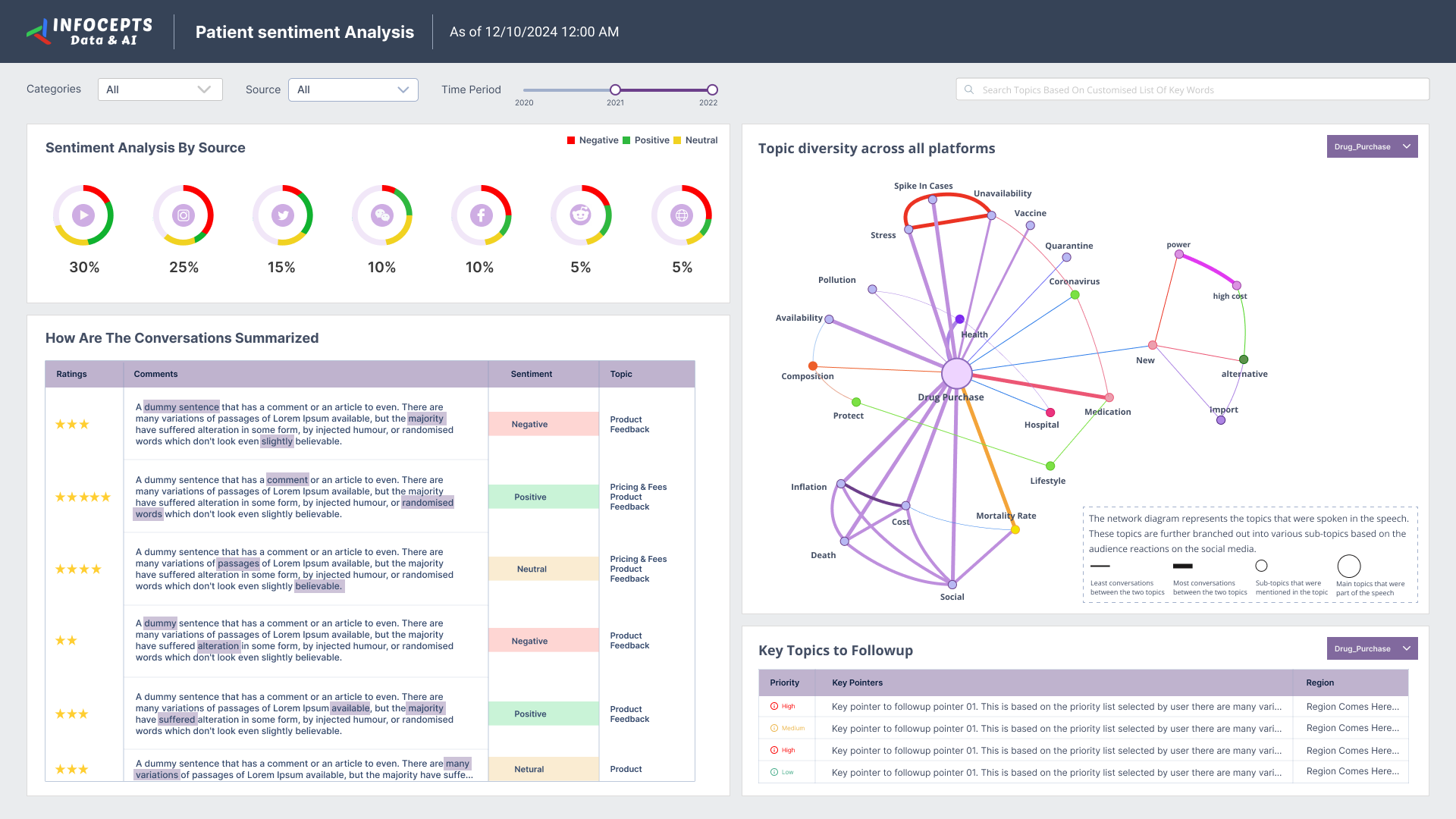
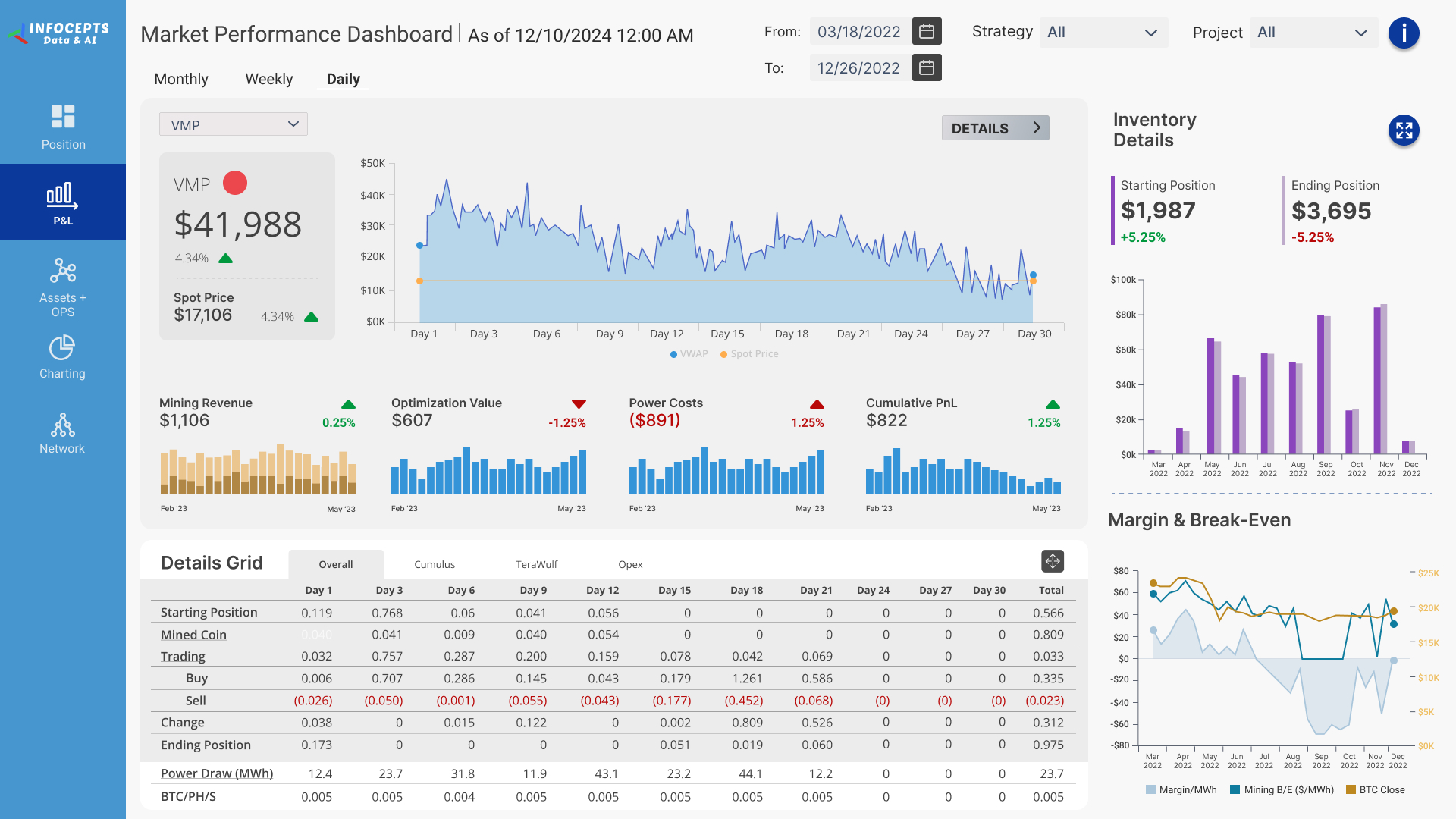
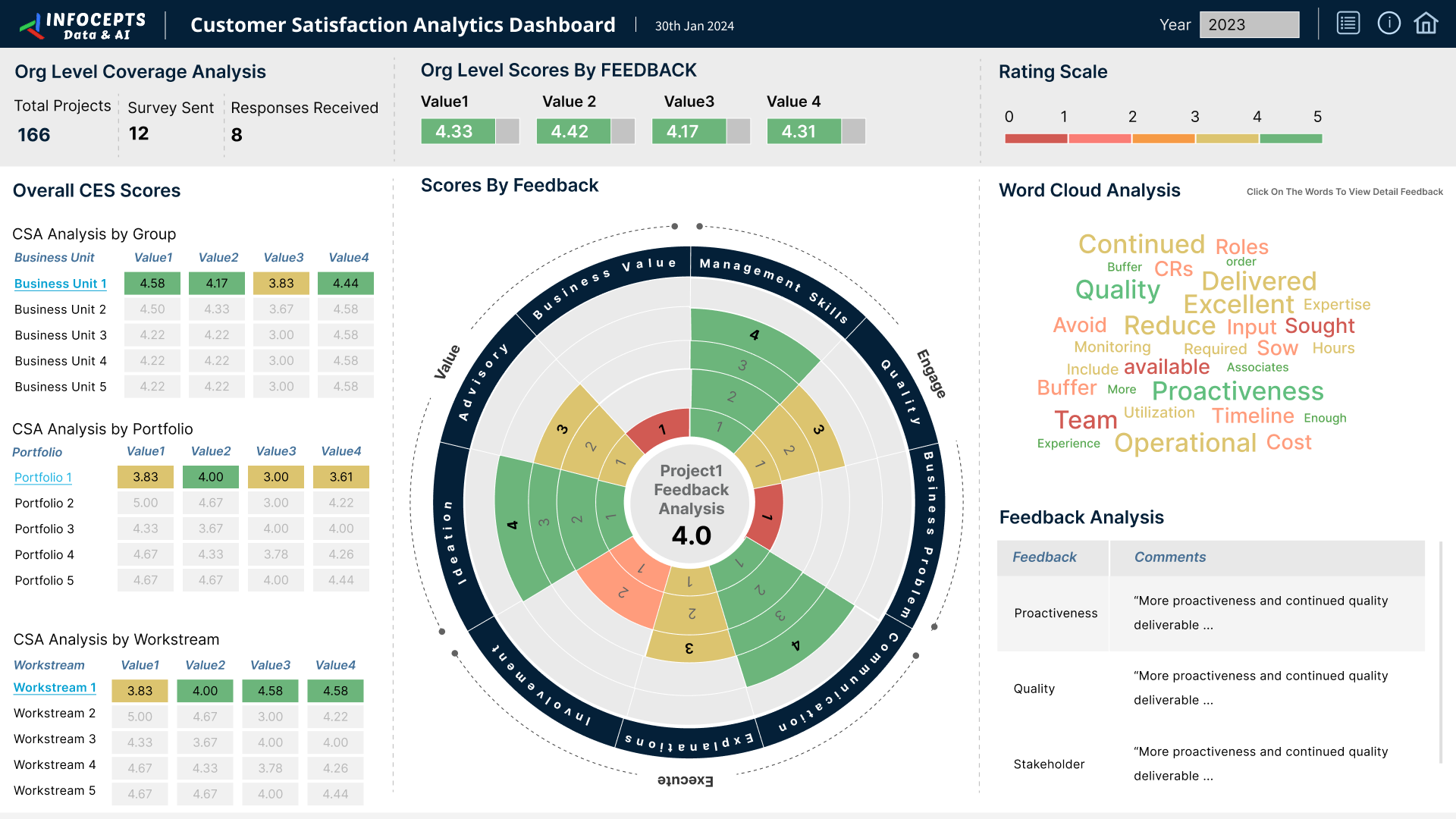
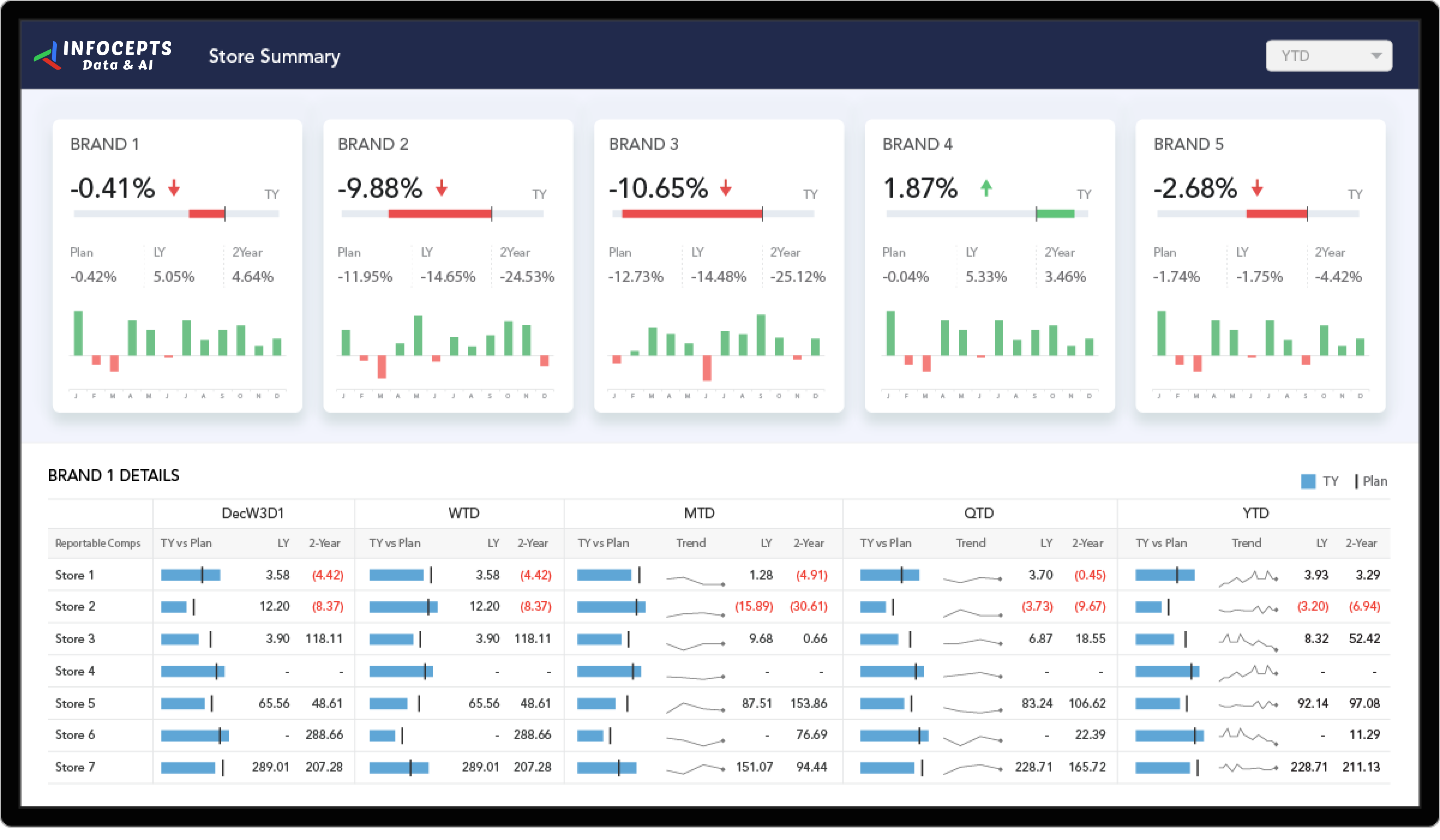
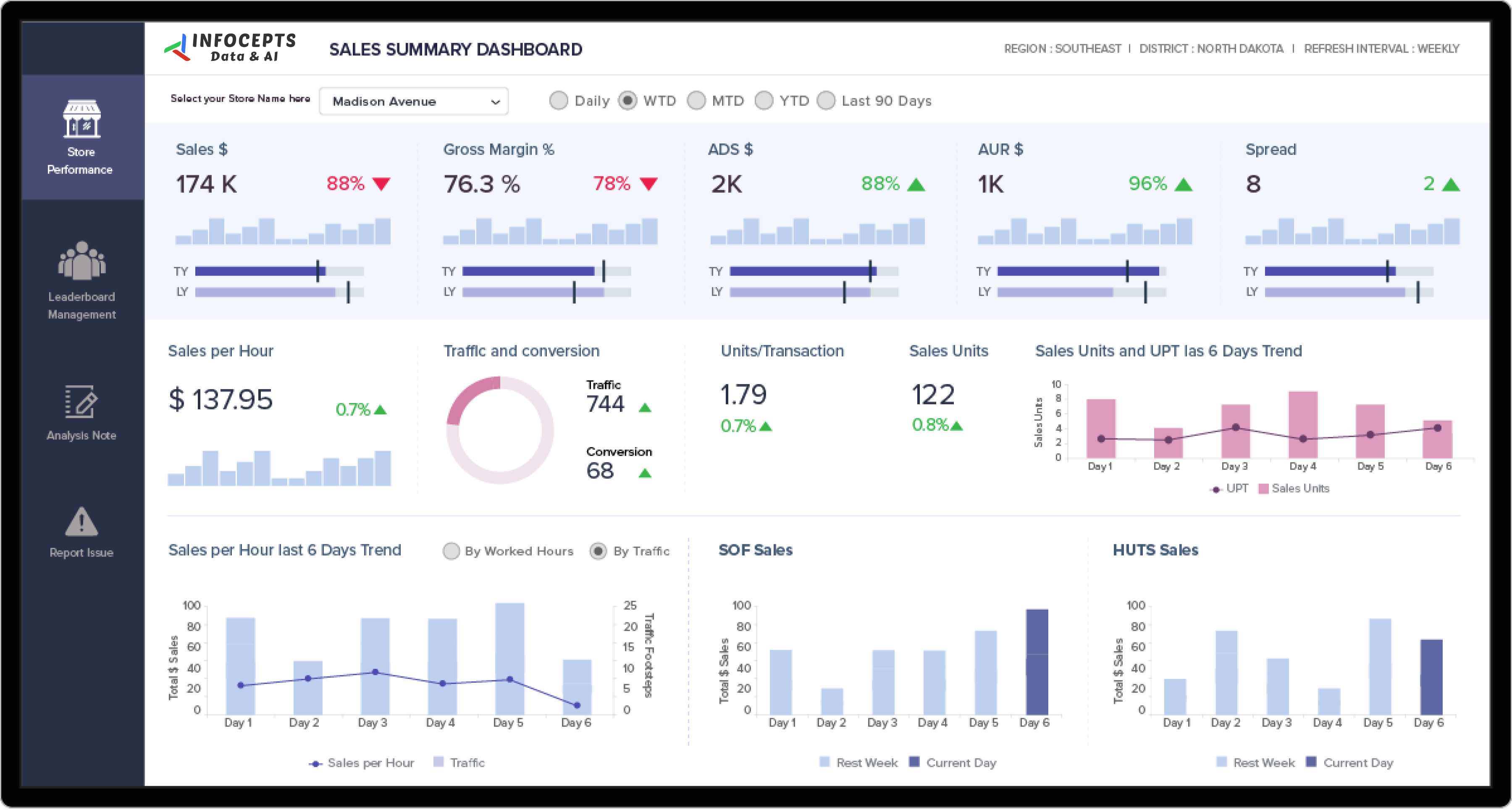
This retail store performance dashboard gives store managers and regional leaders one view of sales, gross margin, traffic, and conversion for every location. They use it to decide where to adjust staffing, promotions, and stock each week. Infocepts built it on MicroStrategy and automated the reporting behind it.
What problem did this dashboard by Infocepts solve for the retail chain?
The retail chain needed a daily view of sales, operations, and errors across many stores. Compiling that view by hand took time and invited mistakes. Infocepts consolidated store data into one dashboard and moved the work to enterprise reporting that runs on its own. Managers now get a current picture without waiting on analysts.
What does the retail store performance dashboard track?
It tracks sales against plan and last year, gross margin, sales per hour, traffic, conversion, and units per transaction. It also shows worked hours and ranks stores on a leaderboard. Users switch between daily, week to date, month to date, year to date, and last 90 day views. A Report Issue option sits in the left menu.
Who uses retail store performance dashboards in Retail & CPG companies and how?
Store managers use them daily to check sales per hour against worked hours and adjust staffing. District and regional leaders use the leaderboard to compare stores and find the ones falling behind plan. Merchandising teams watch gross margin and units per transaction to judge whether promotions are working.
What business impact did the retail chain see after rollout?
After rollout, the retail chain reported 96% less time to insight, 53% higher sales, and 27% fewer errors. Automated reporting also cut the manual work of building store reports. Leaders could then spend that time acting on results instead of assembling them.
Key metrics: sales, gross margin, sales per hour, traffic, conversion, units per transaction, worked hours, and plan attainment.
Explore more examples in the Retail & CPG section, see the store performance analytics dashboard, or read our case studies.
Want a store performance dashboard for your chain? Talk to our team about what to track and how to build it.

 Pranali Lanjewar