
23%
Improvement in Merchant Compliance Rate
57%
Capture of Average Transaction Value
47%
Reduction in Fraud Detection Rate
26%
Increase in Chip Card Adoption Rate
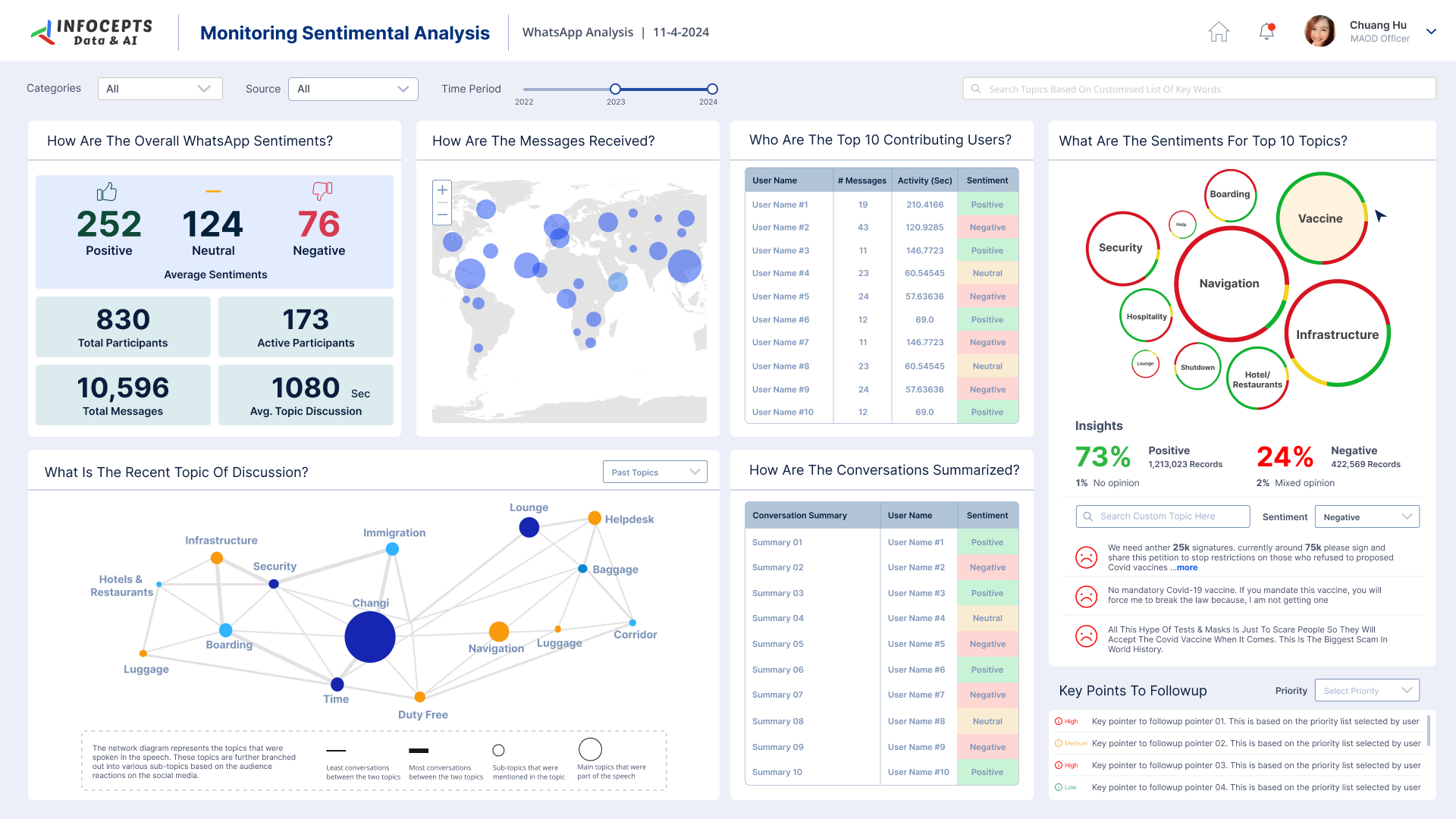
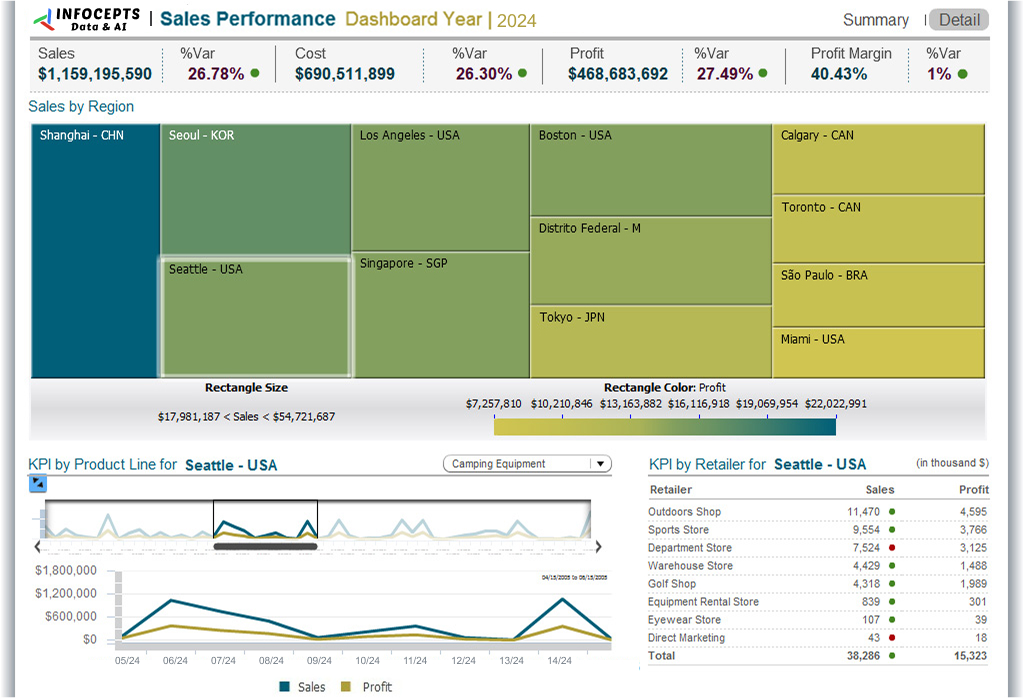
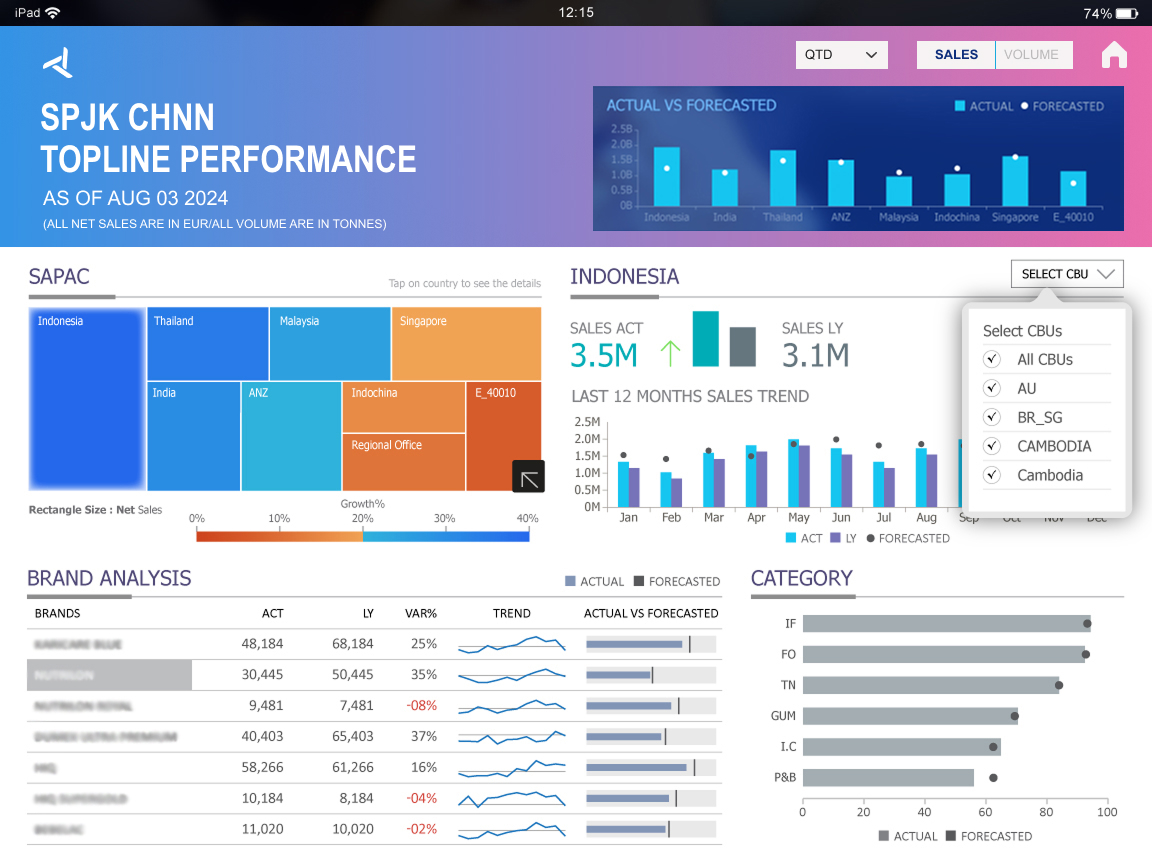
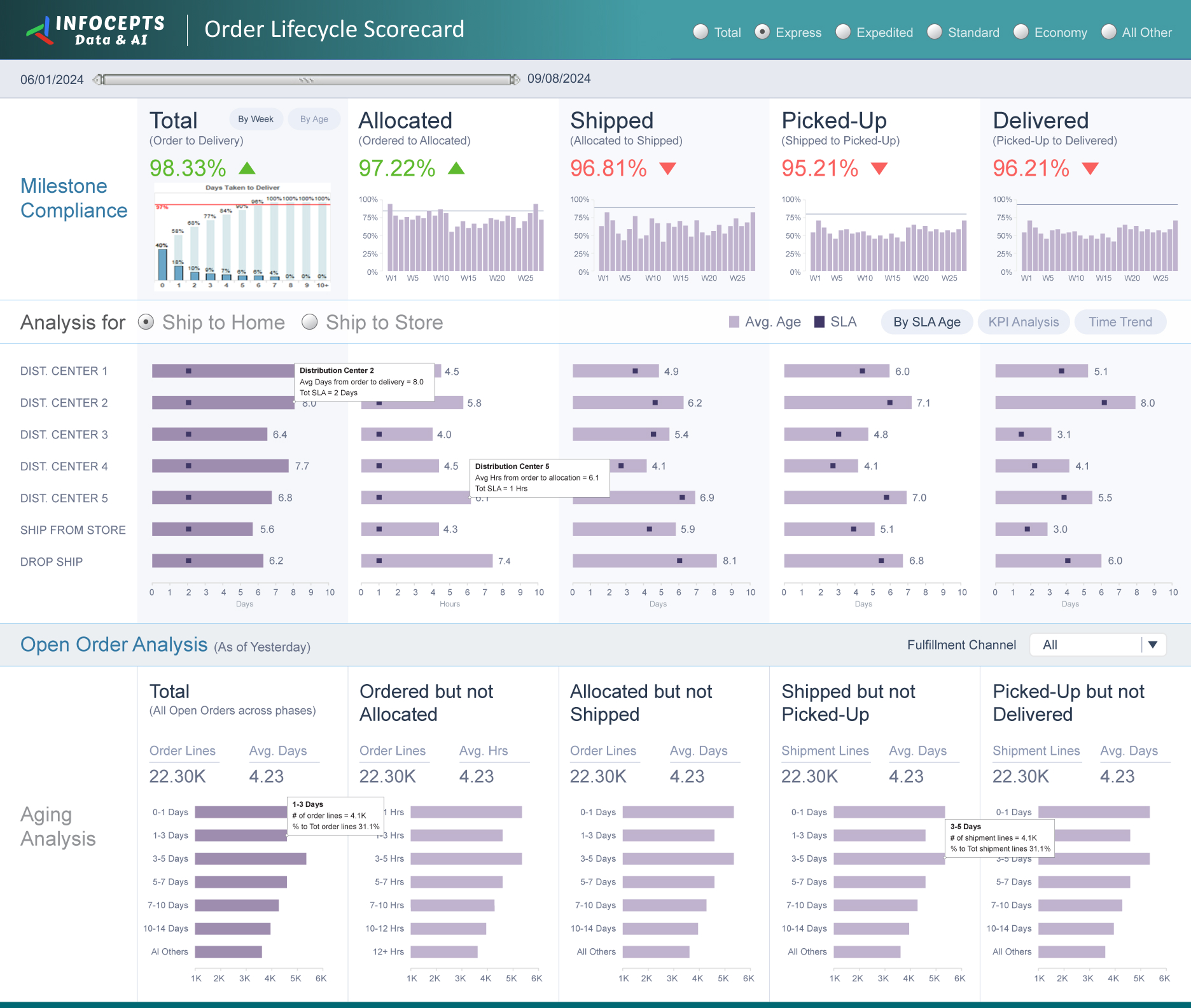
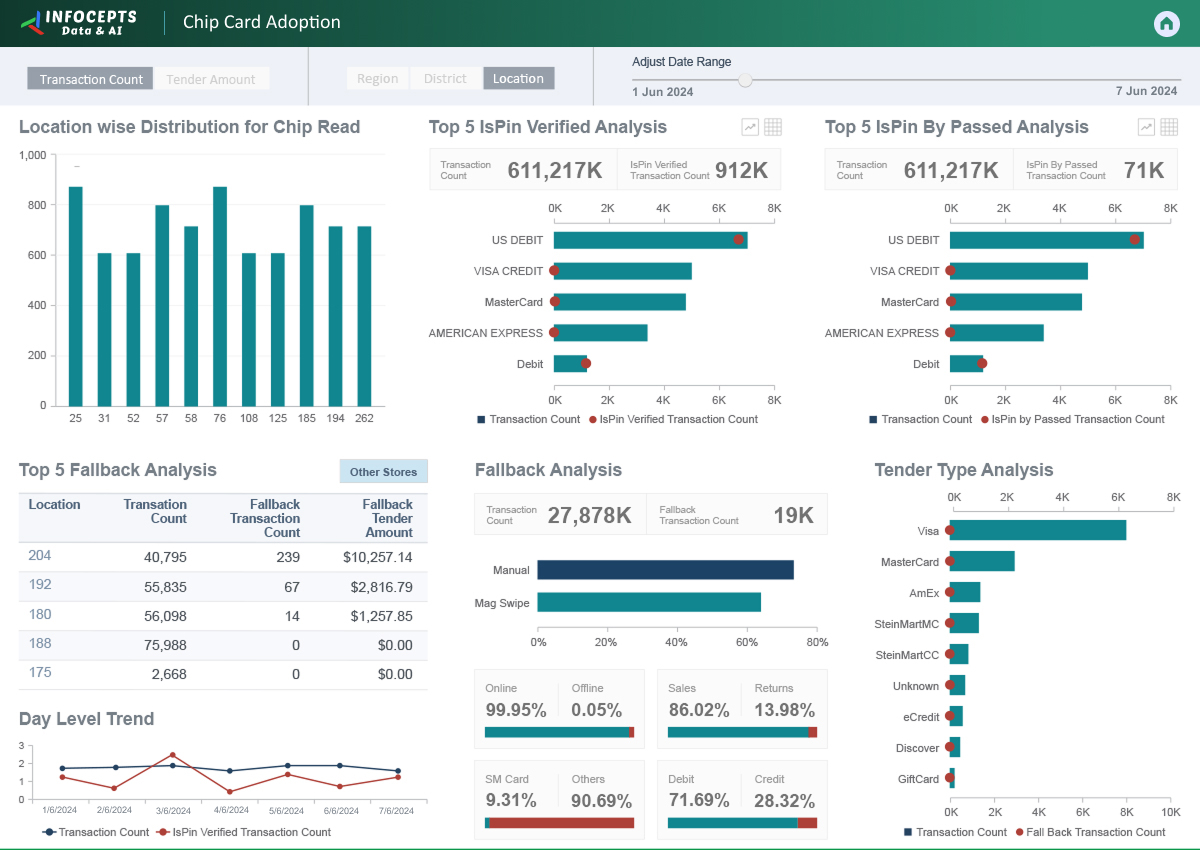
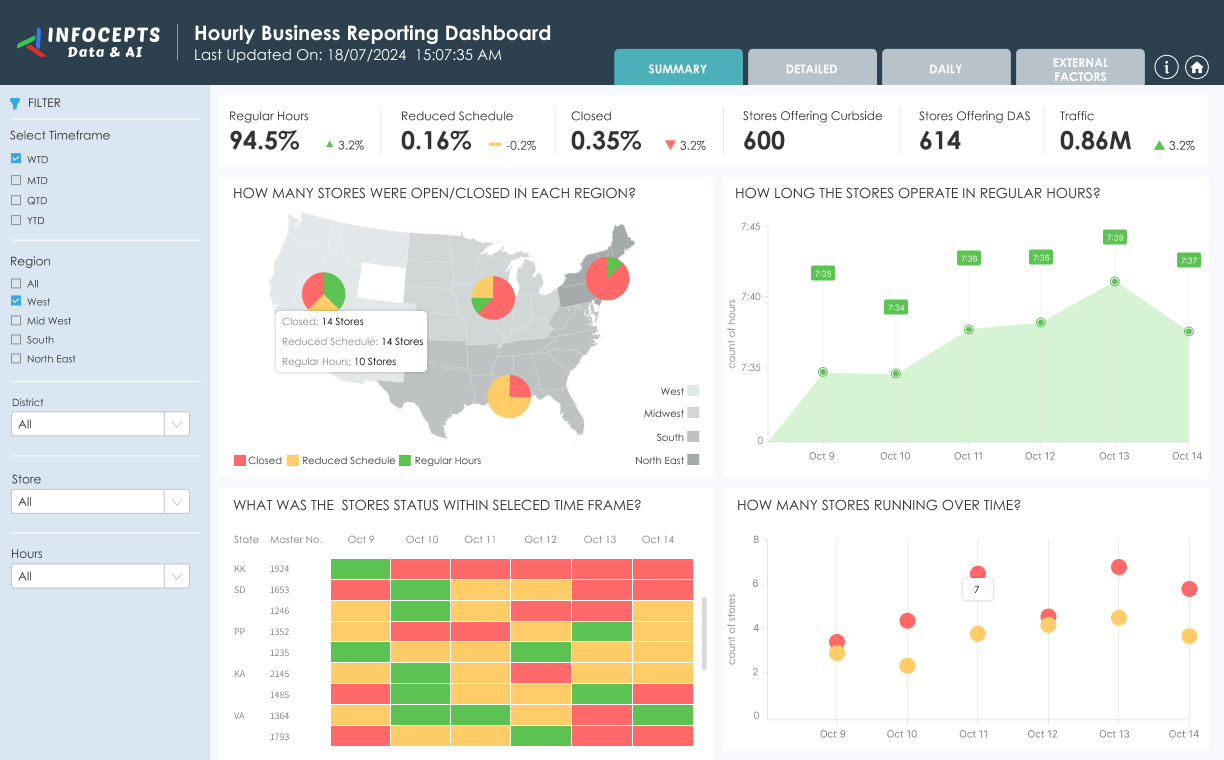
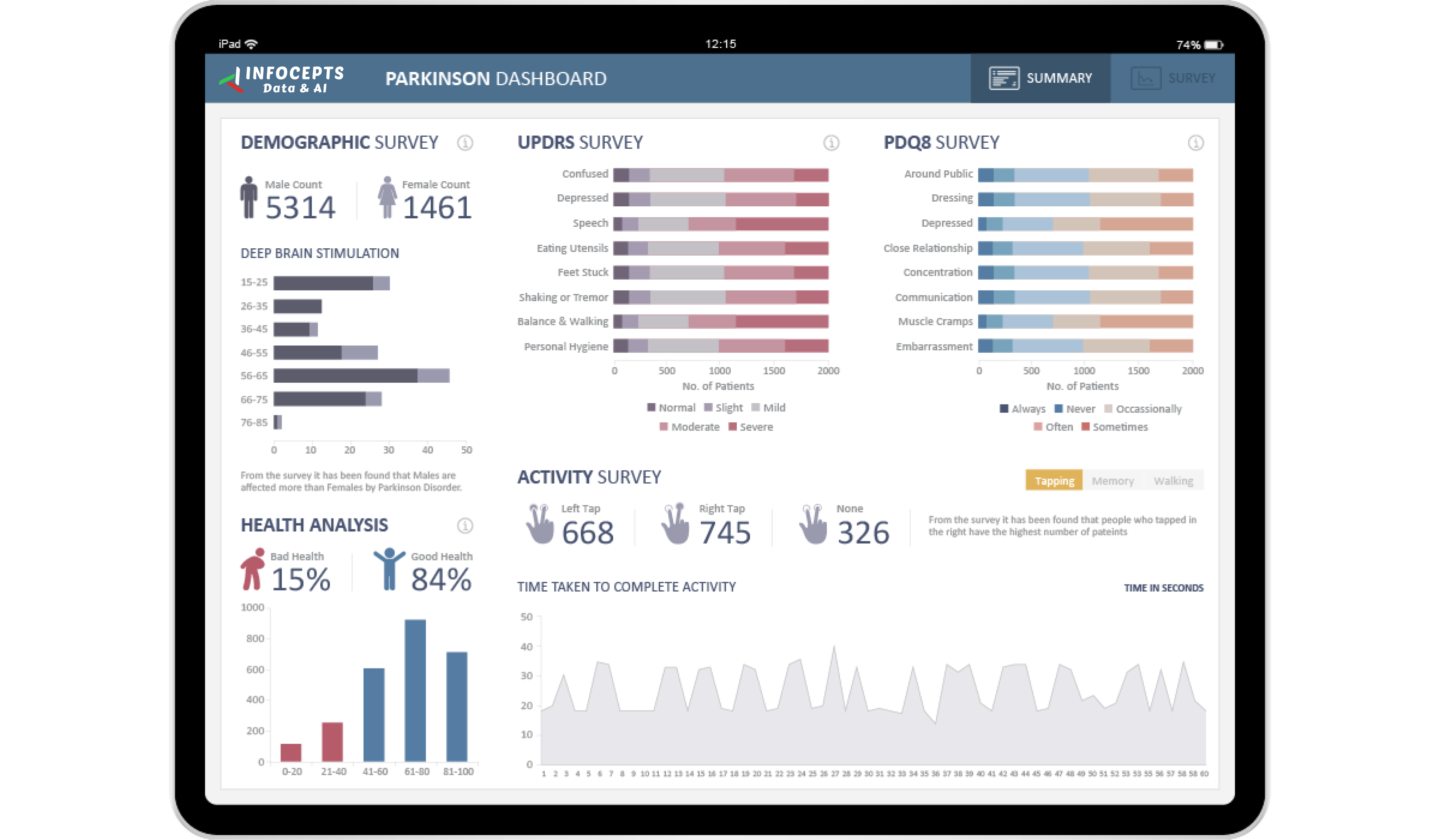
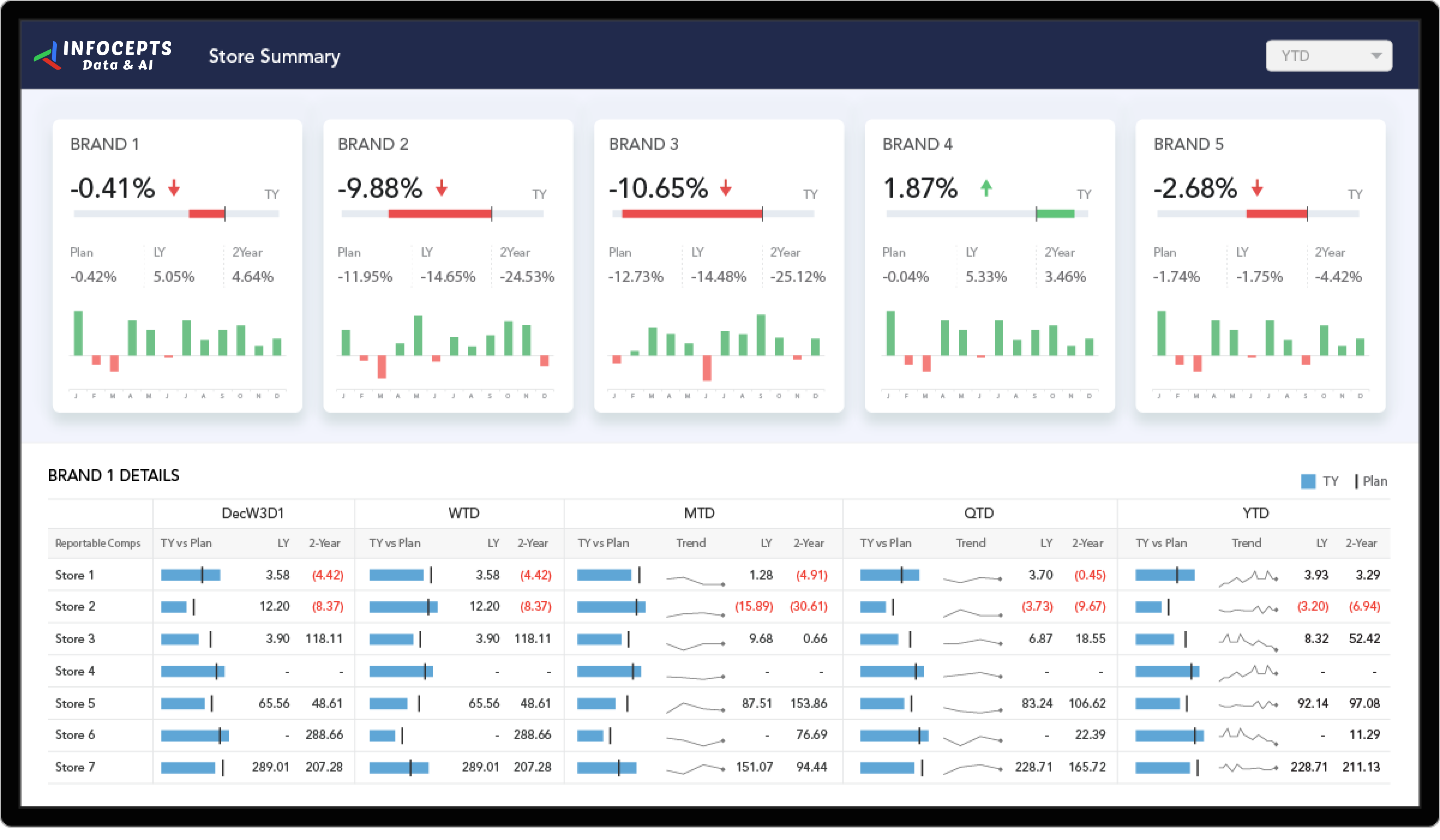
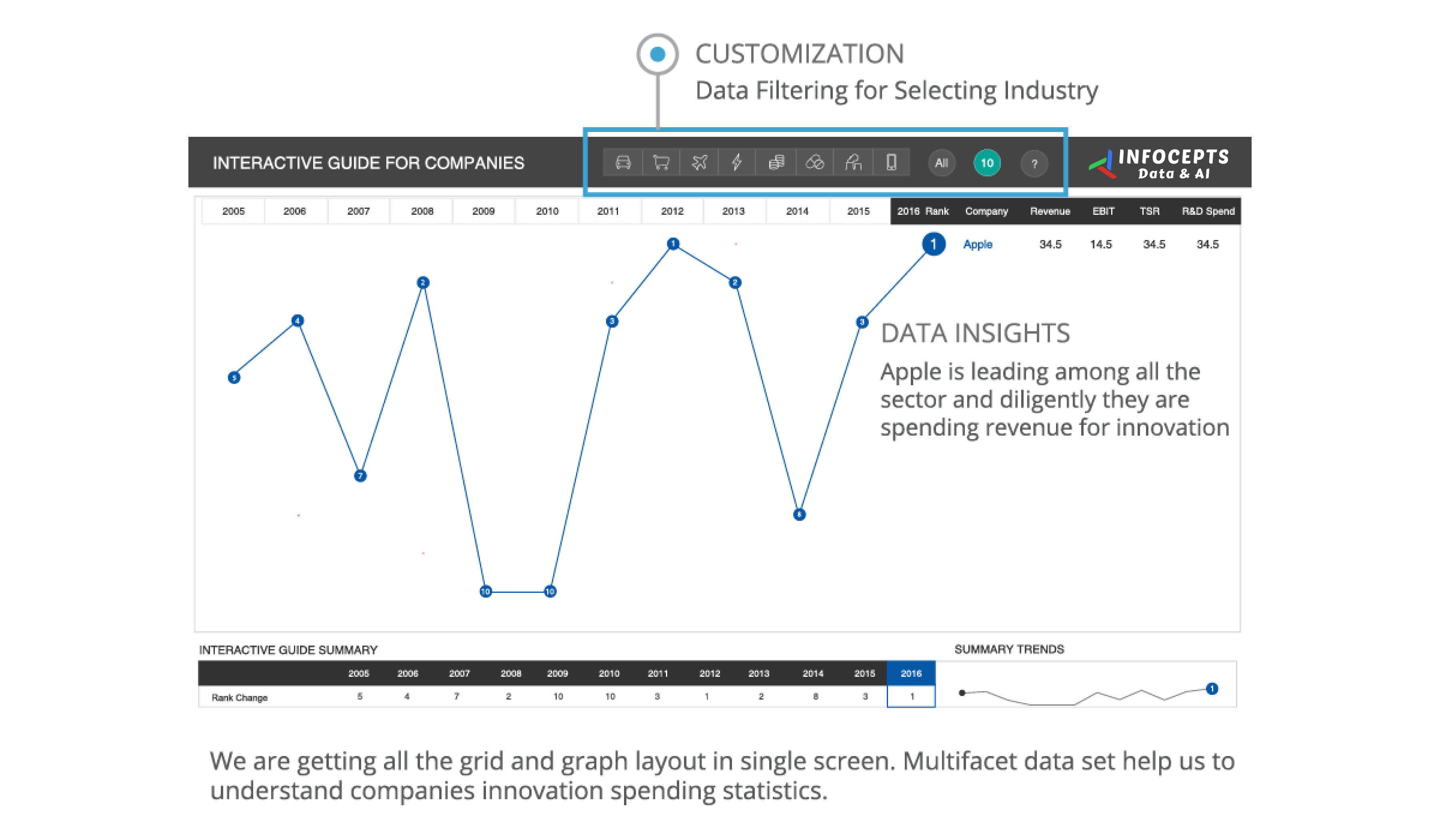
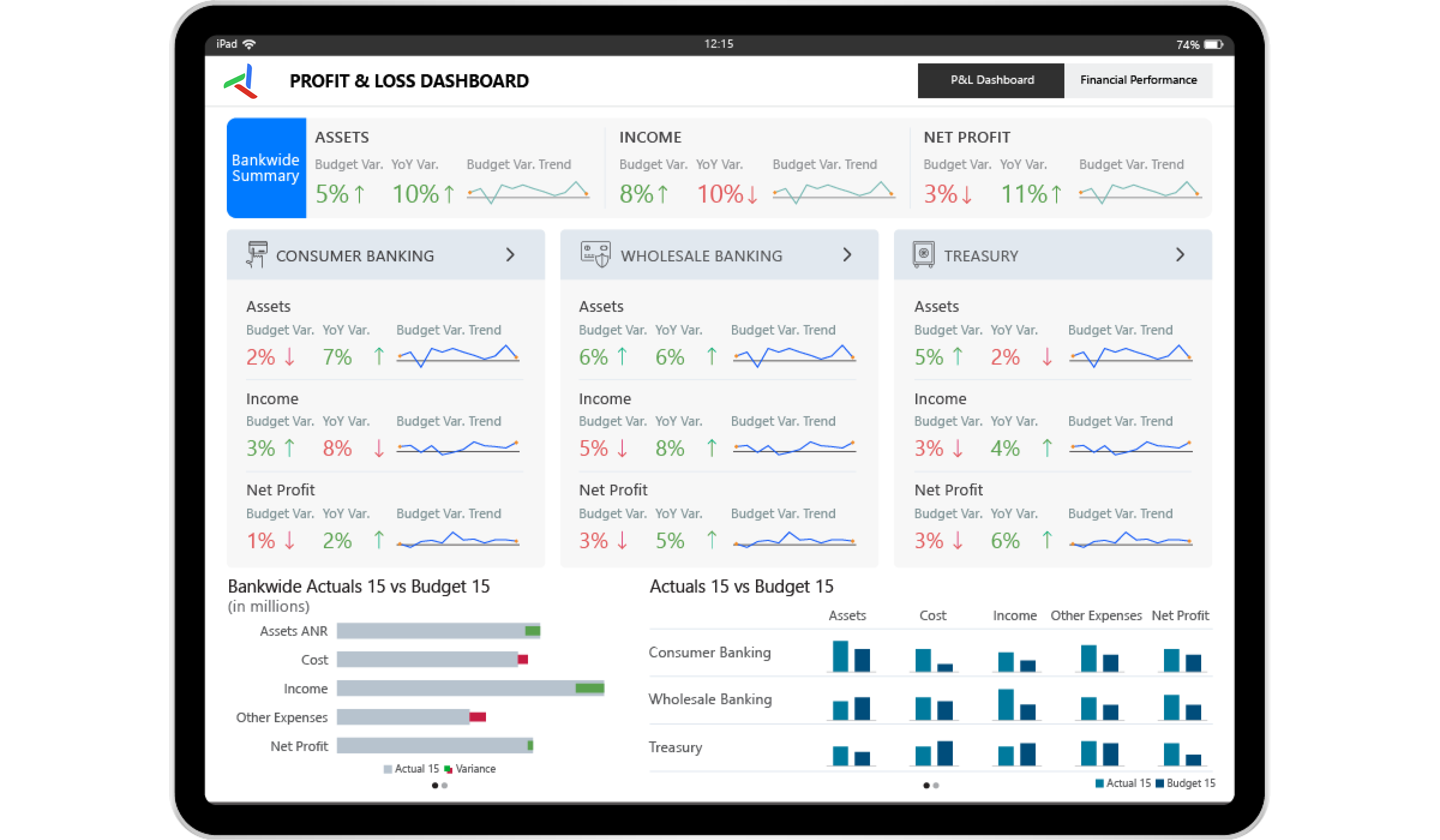
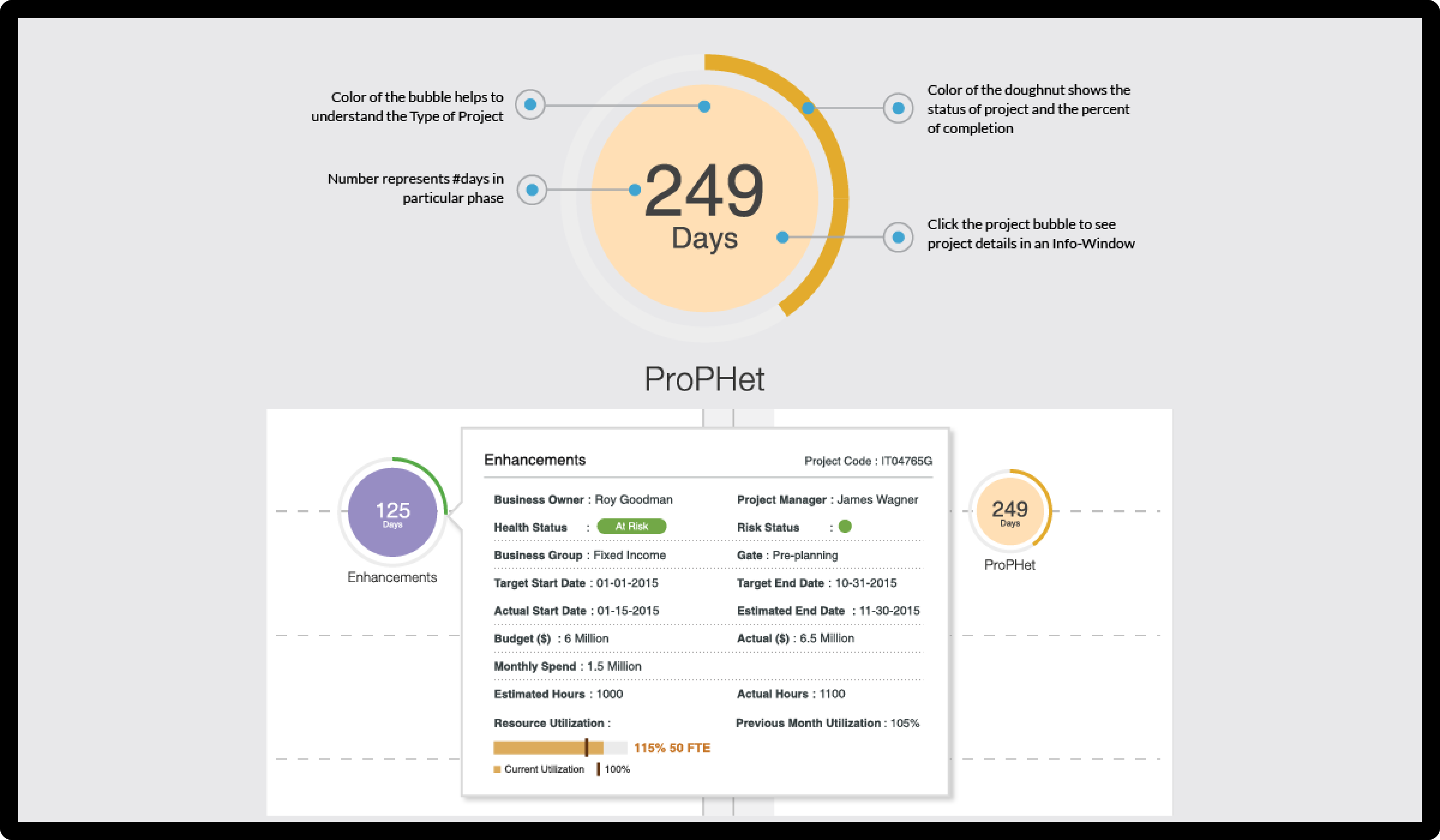
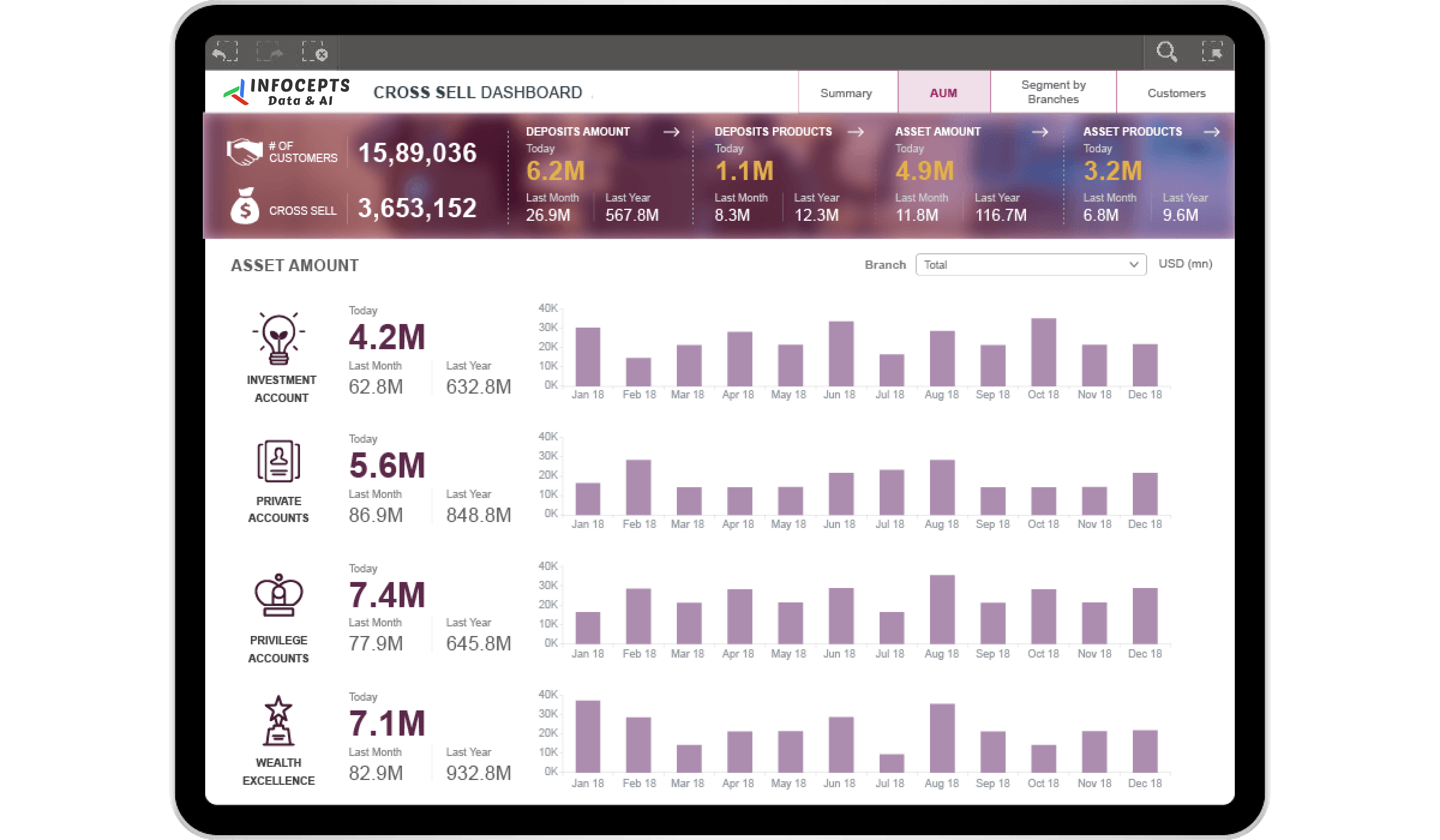
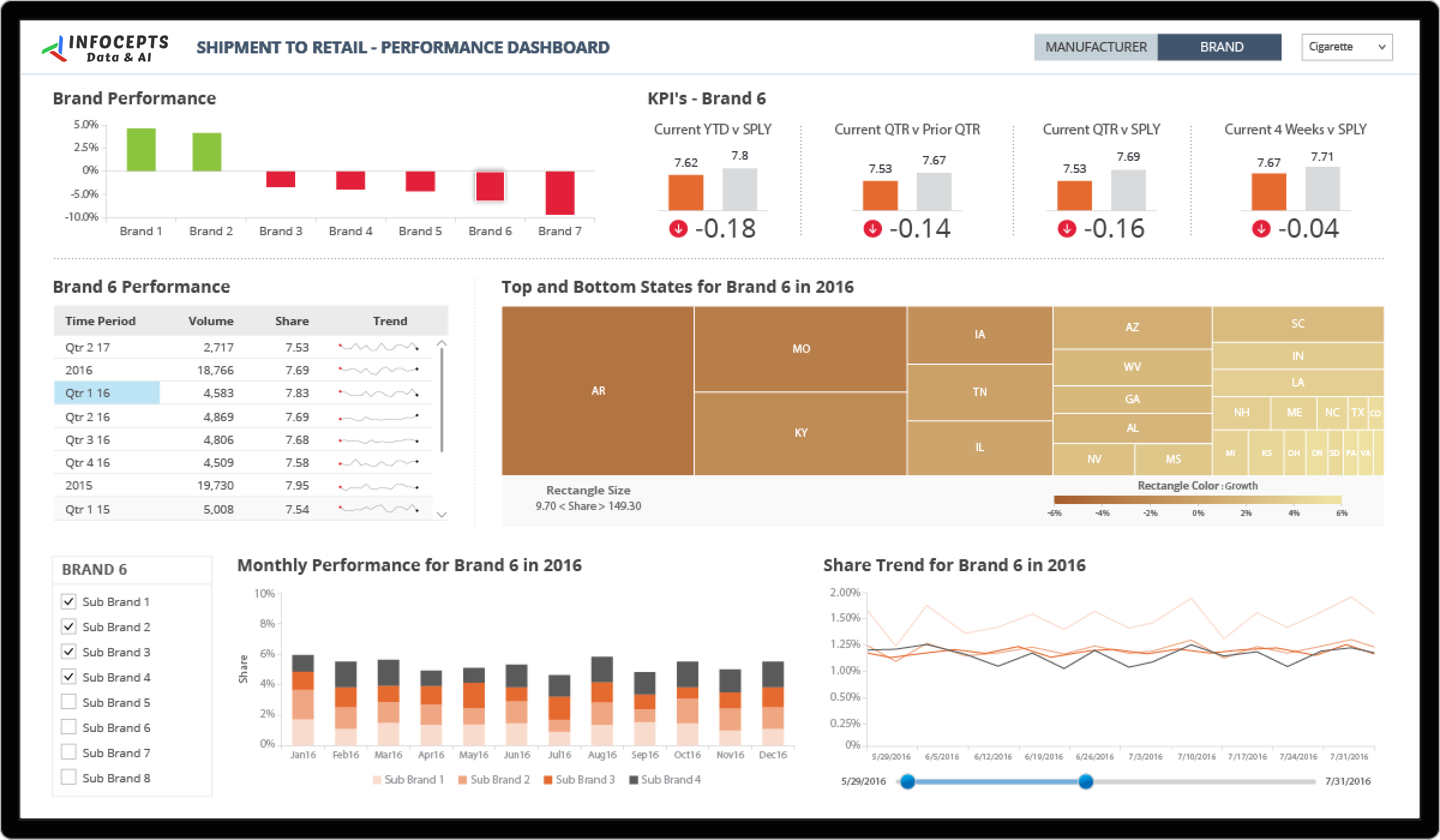
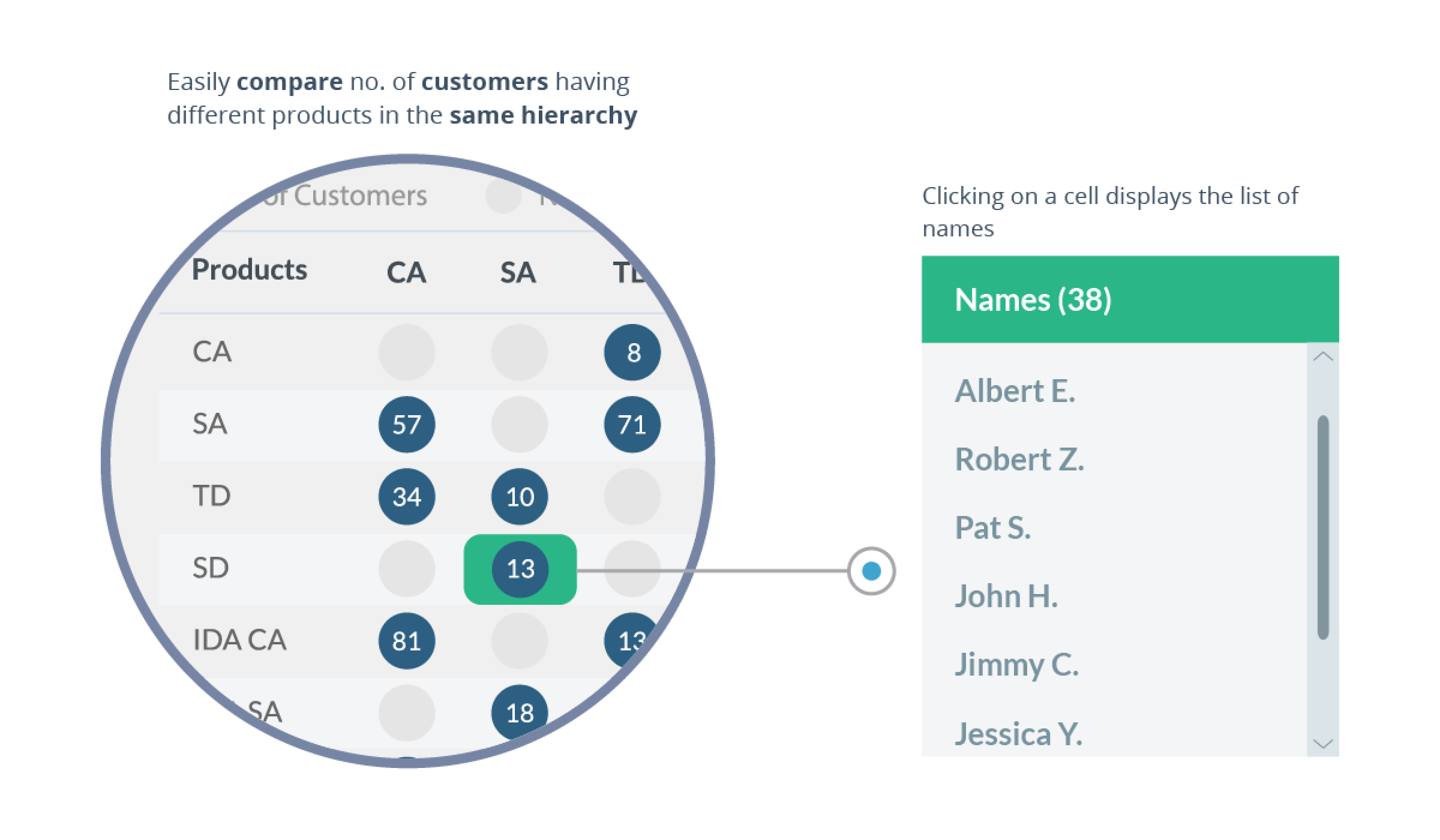
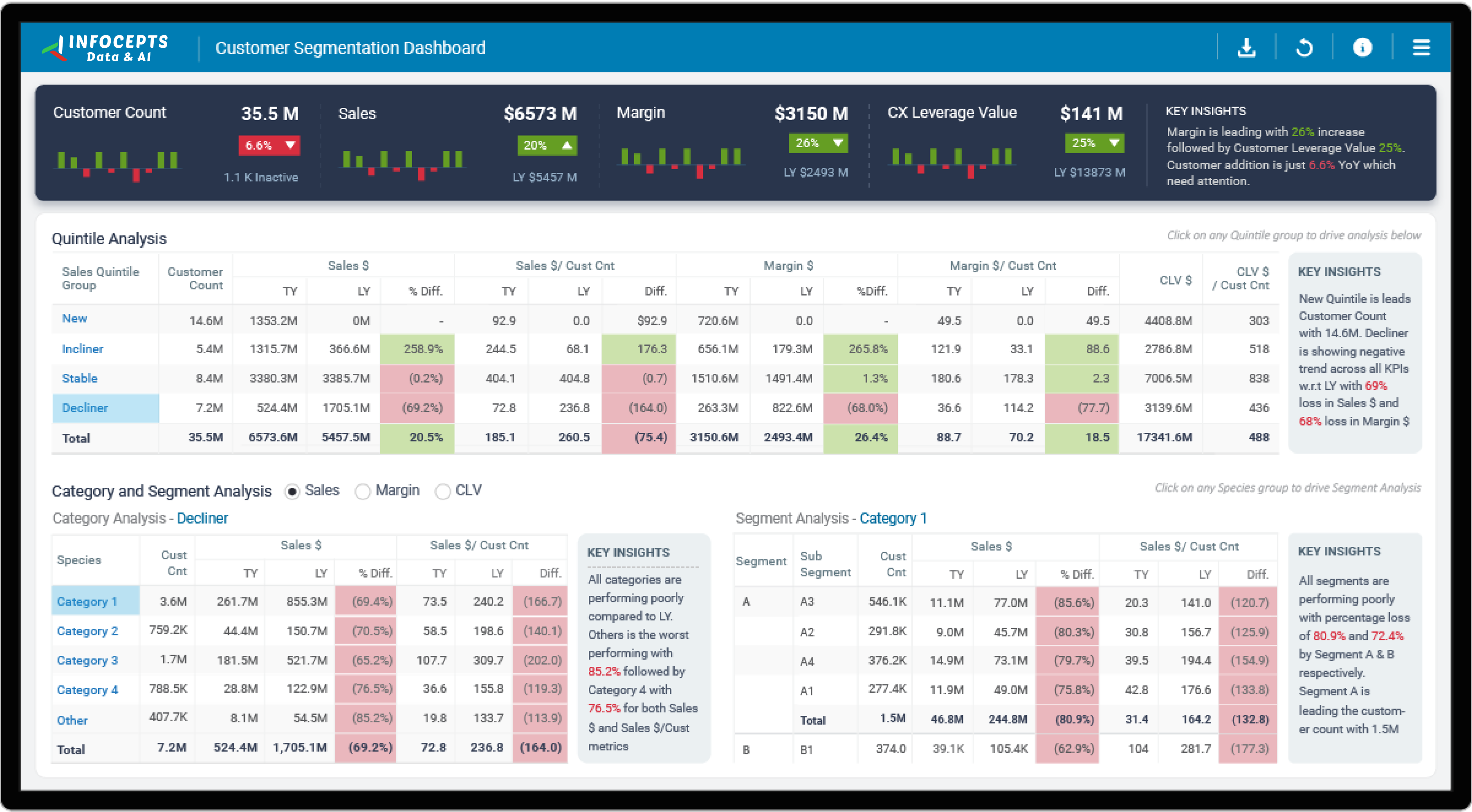
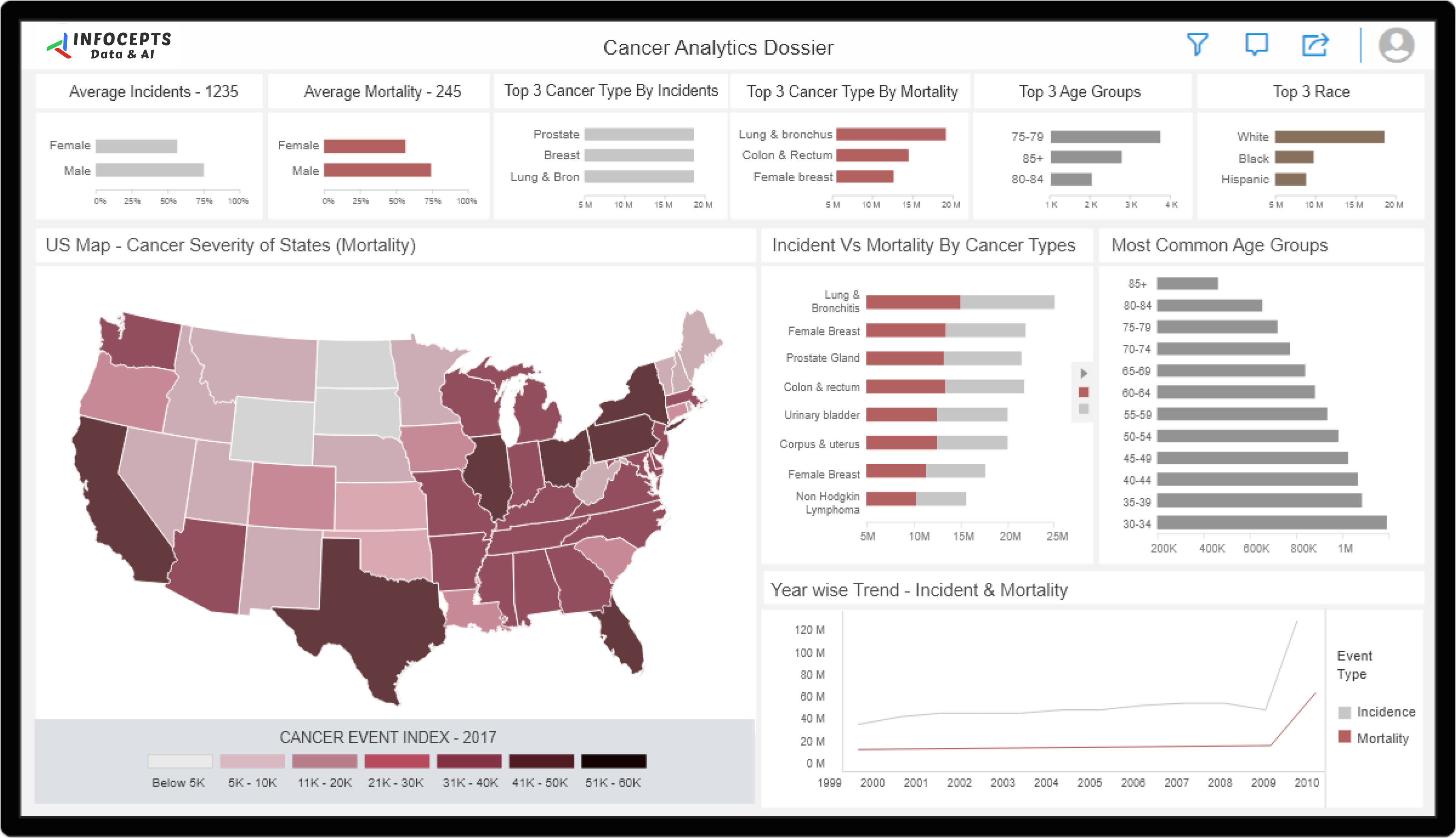
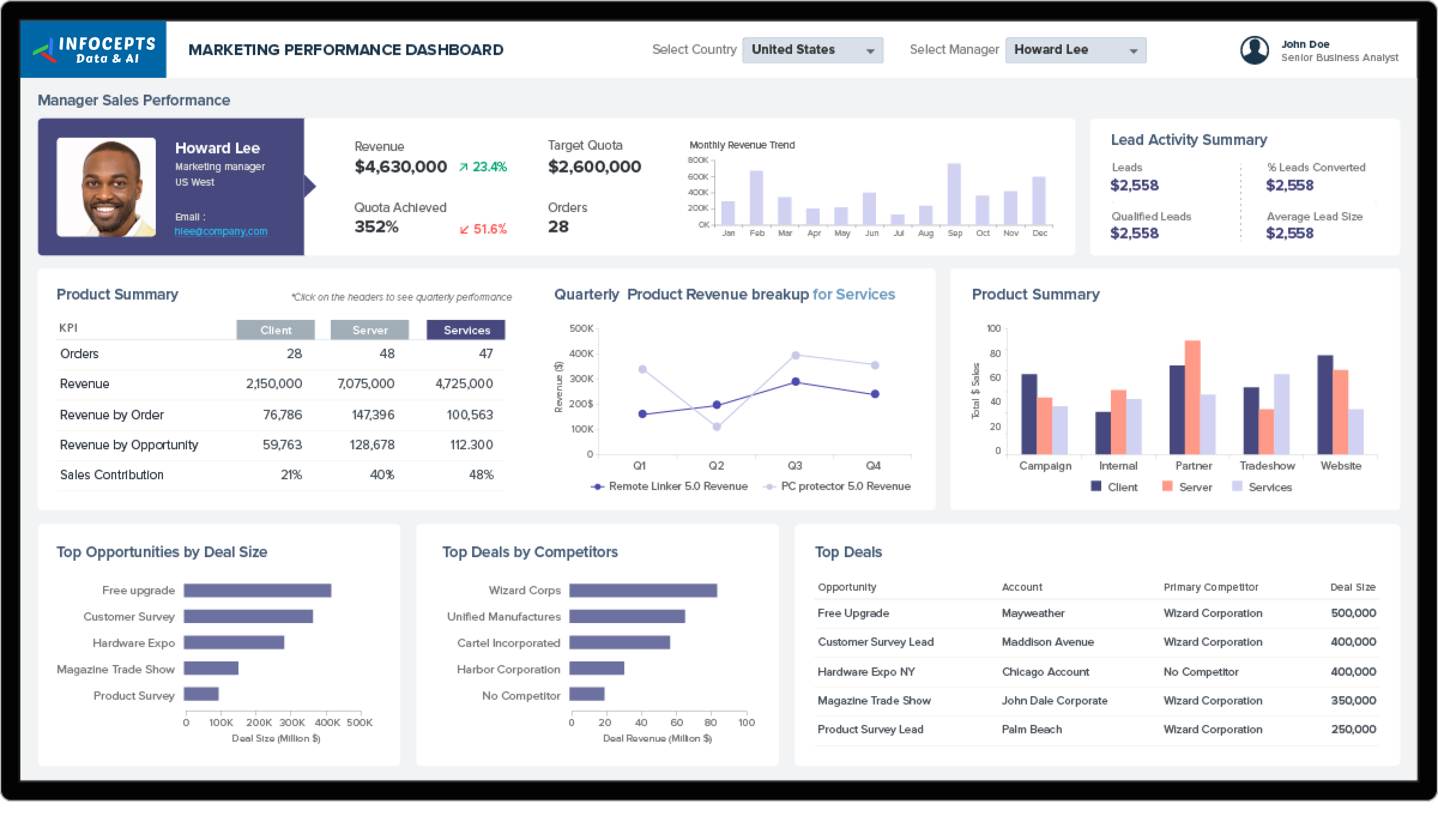
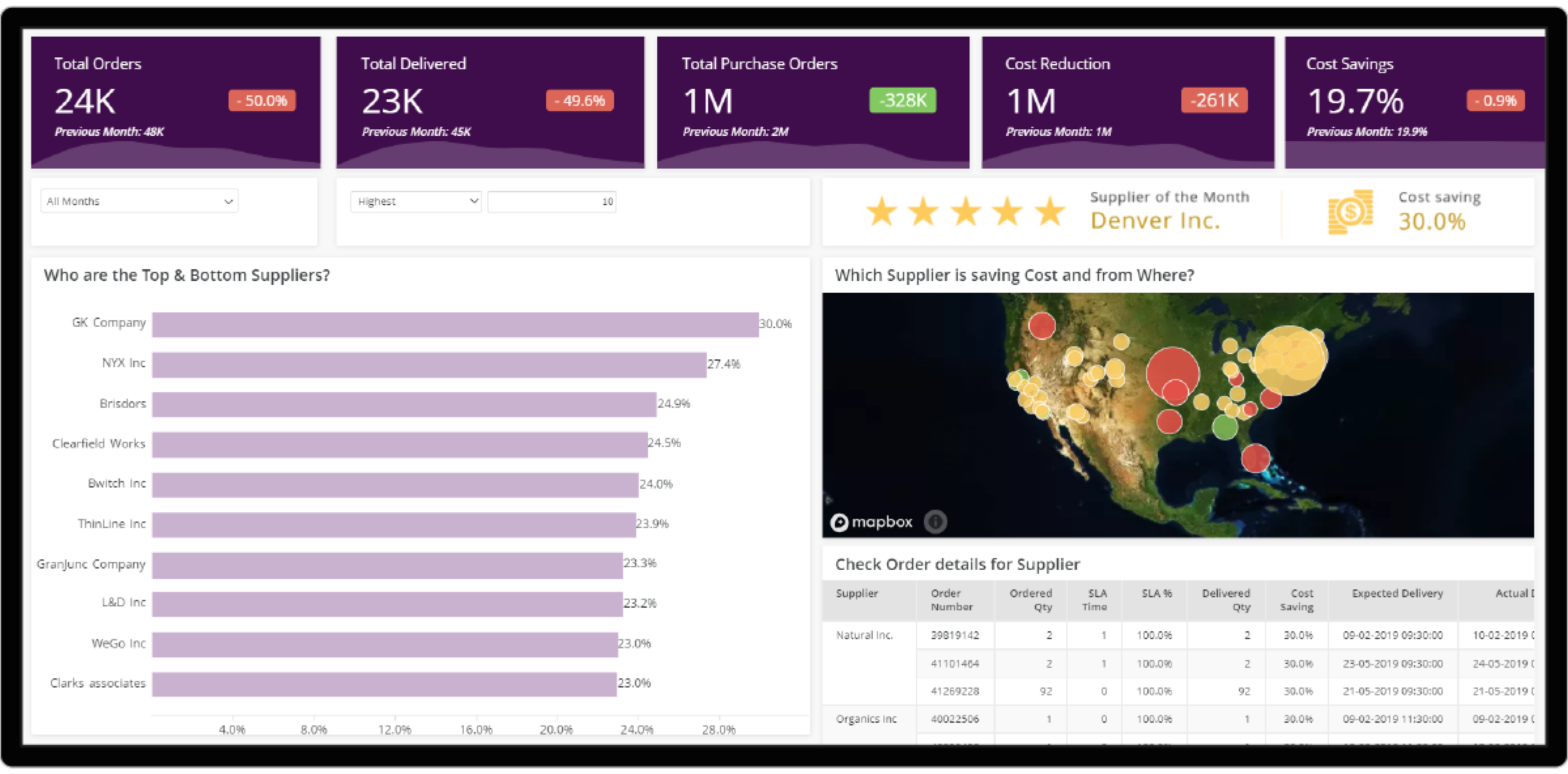
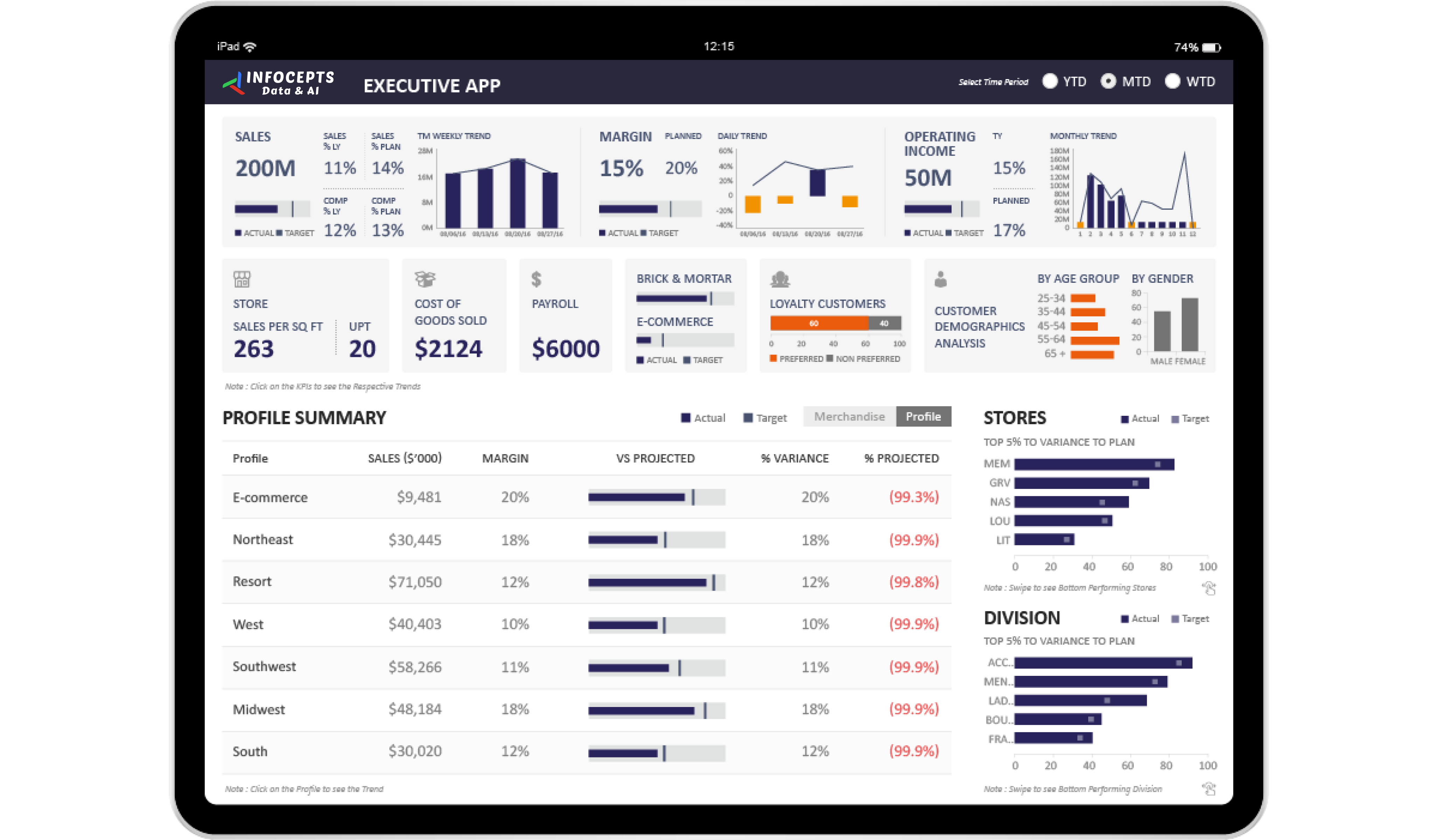
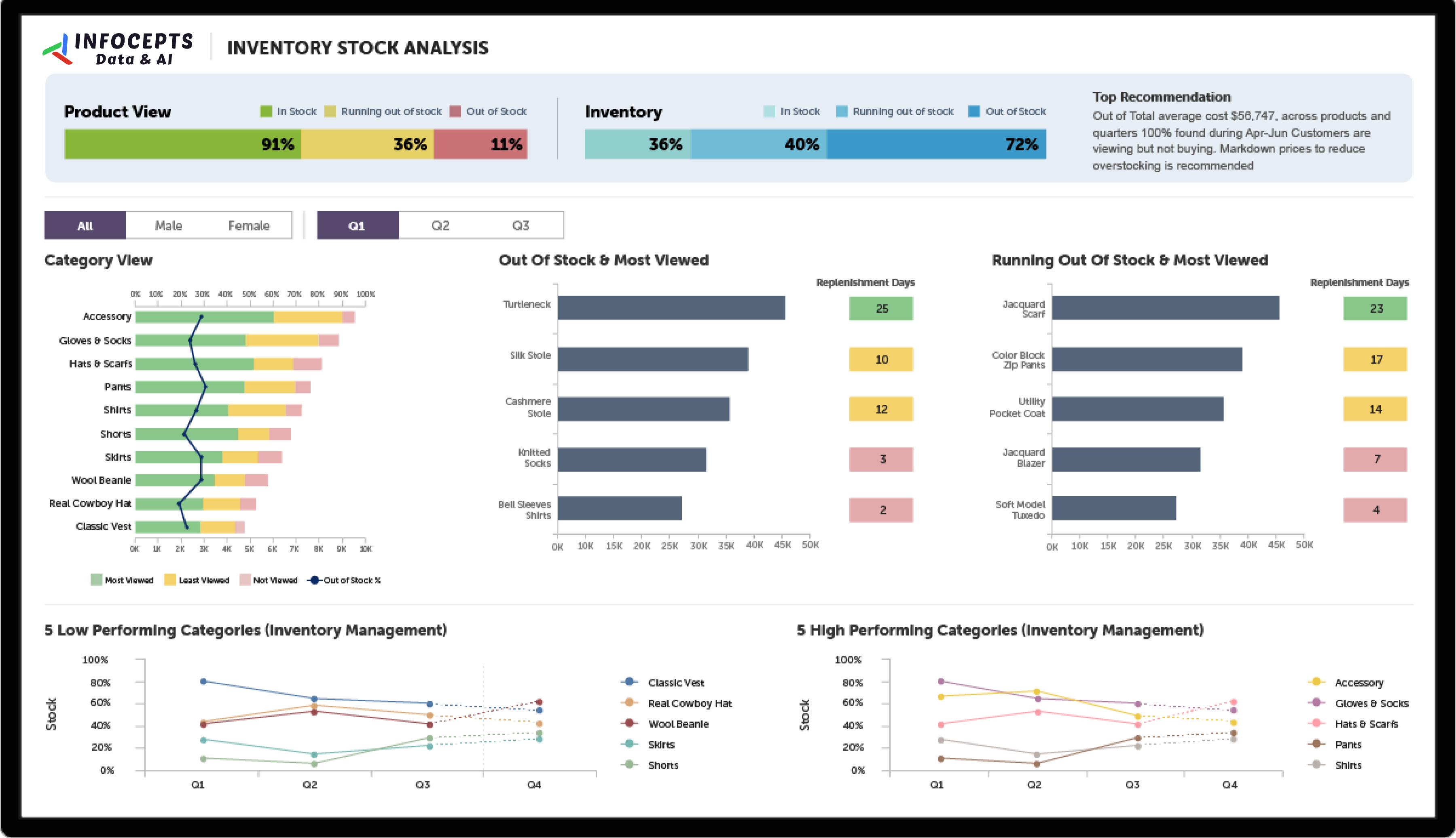
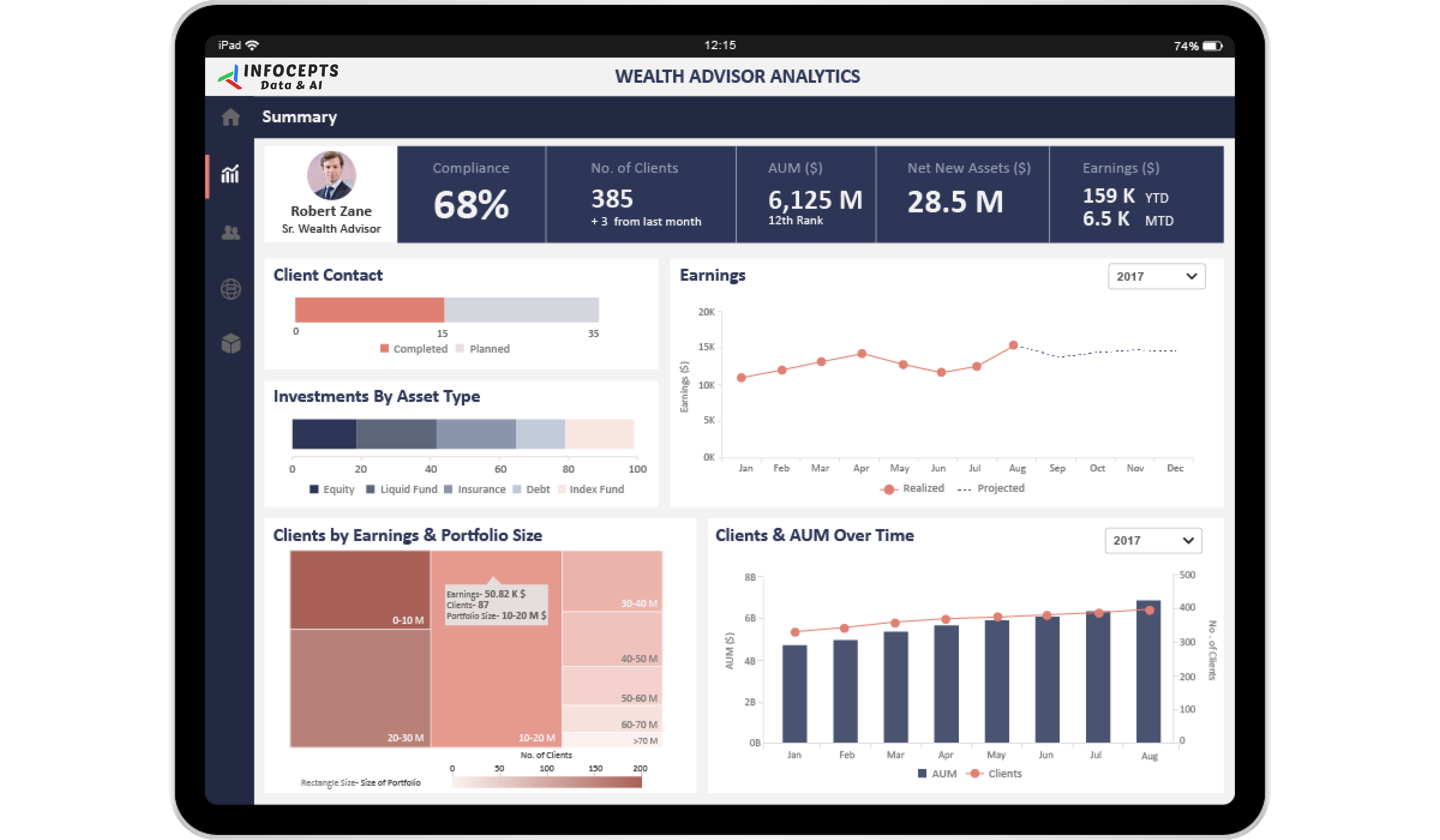
This credit card analytics dashboard centralizes performance, security, and usage trends for chip enabled payment cards. Financial institutions, payment processors, and businesses use it to track transaction volumes, fraud rates, and customer adoption, and to decide where to tighten payment security. Infocepts built it on Power BI.
What problem did this dashboard by Infocepts solve for the financial institution?
Institutions need to watch how chip enabled cards perform, how secure they are, and how customers use them. Infocepts brought transaction, fraud, and adoption data into one interactive view through data engineering and integration. Teams no longer have to depend on periodic batch reports to see what is happening.
What does the credit card analytics dashboard track?
It tracks transaction volumes, fraud rates, and customer adoption of chip enabled cards. Segments follow however an institution reports, by region, product, or channel. The dashboard also lists merchant compliance rate and average transaction value. The visualizations are interactive, so users can work from one view rather than several reports.
Who uses credit card analytics dashboards in Financial Services companies and how?
Fraud teams use them to watch unusual transaction patterns and start investigations sooner. Payment processors monitor volumes and processing efficiency. Card leaders track chip card adoption by region, product, or channel. Businesses that issue or process credit cards use them to monitor security and usage at scale.
What business impact did the financial institution see after rollout?
Reported results include a 23% improvement in merchant compliance rate and a 26% increase in chip card adoption rate. It also lists a 47% reduction in fraud detection rate and 57% capture of average transaction value.
Key metrics: transaction volumes, fraud rates, chip card adoption, merchant compliance rate, and average transaction value.
Explore more examples in the Financial Services section, see the transaction analytics for banks dashboard, or review the financial analytics for banking dashboard.
Want a credit card analytics dashboard for your institution? Talk to our team about what to track and how to build it.

 Pranali Lanjewar