
23%
Improvement in Cash Flow Analysis
62%
Capture of Revenue vs. Expenses Trends
39%
Reduction in Financial Risk
35%
Increase in Debt-to-Equity Ratio
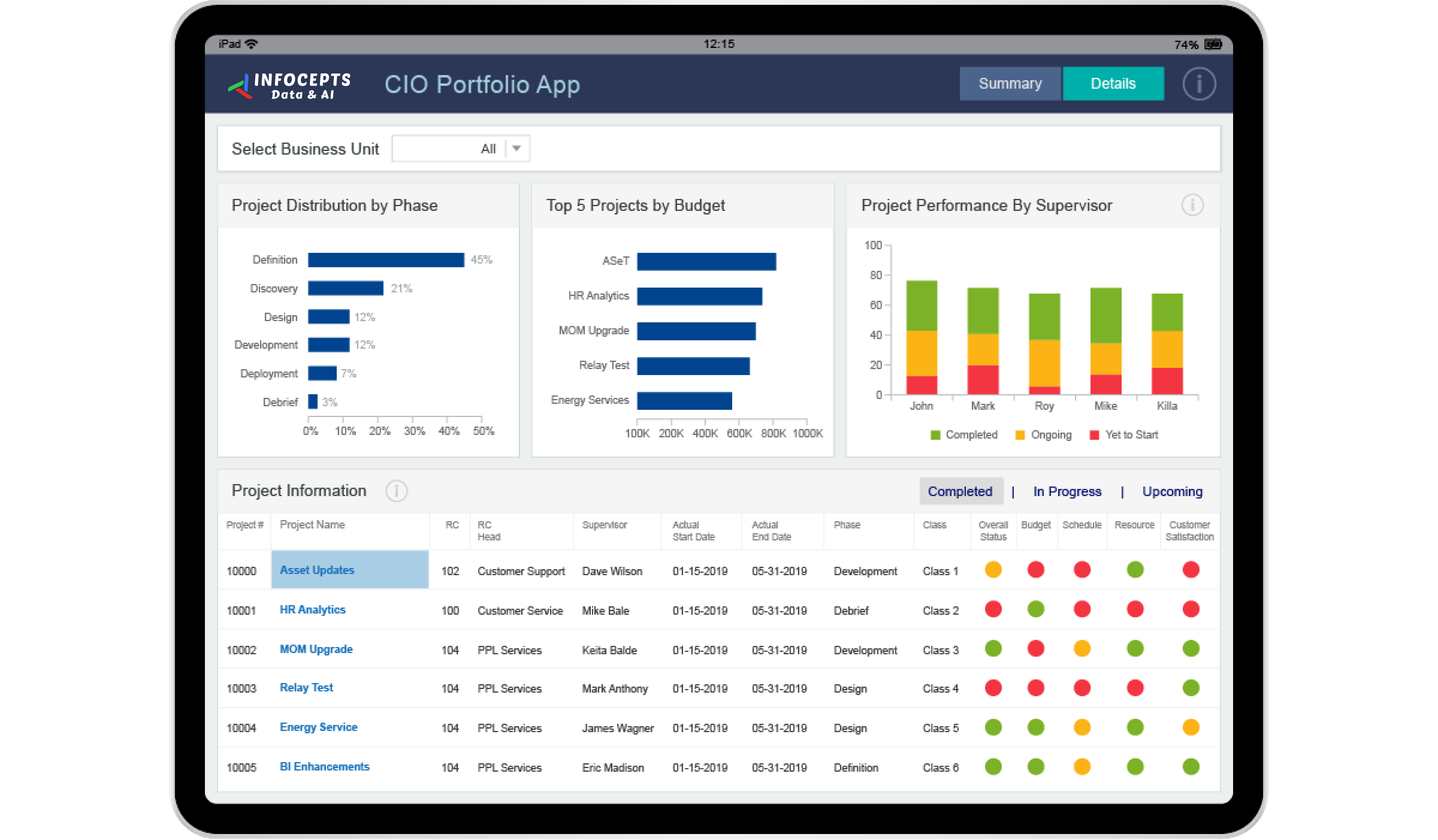
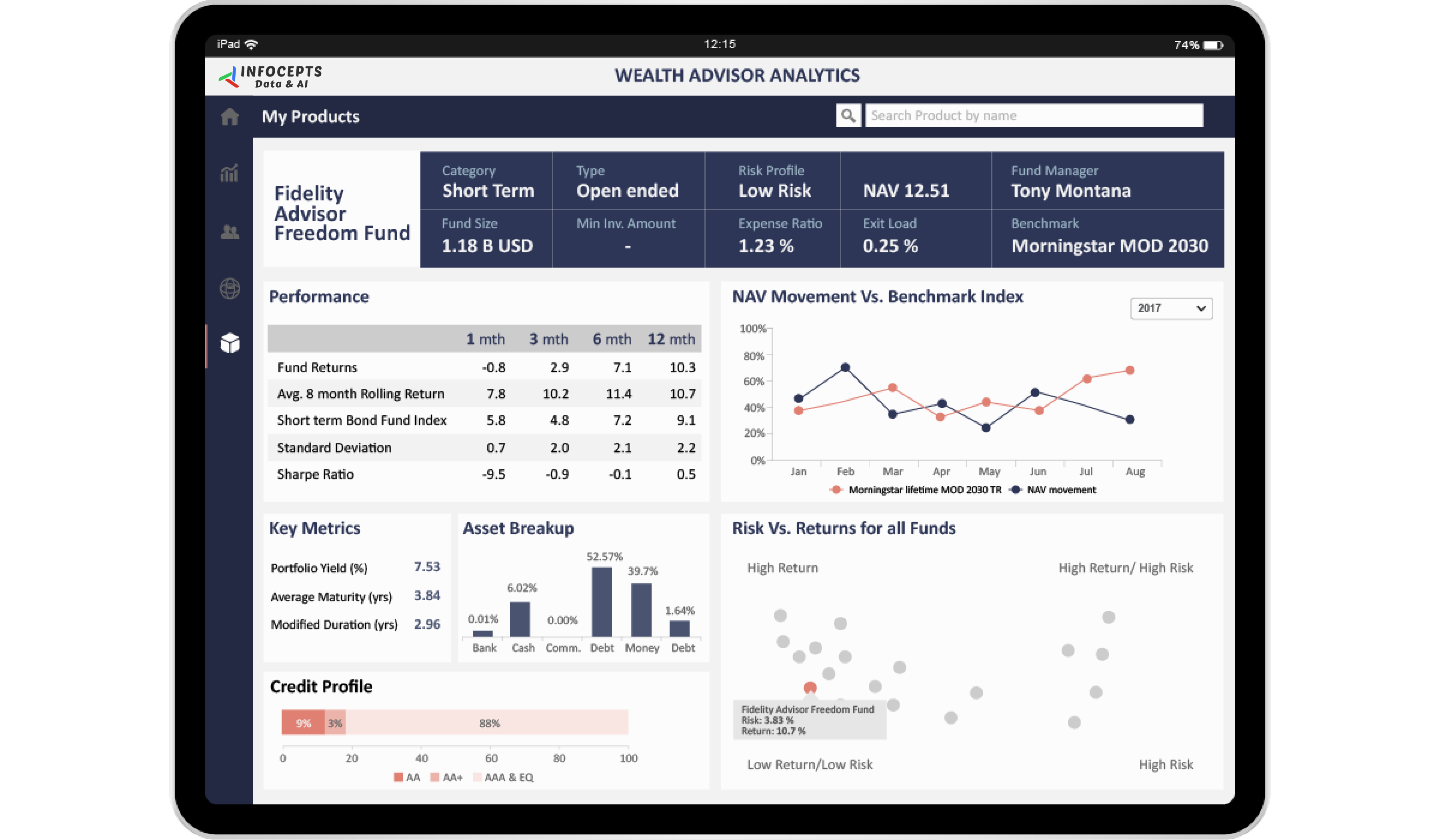
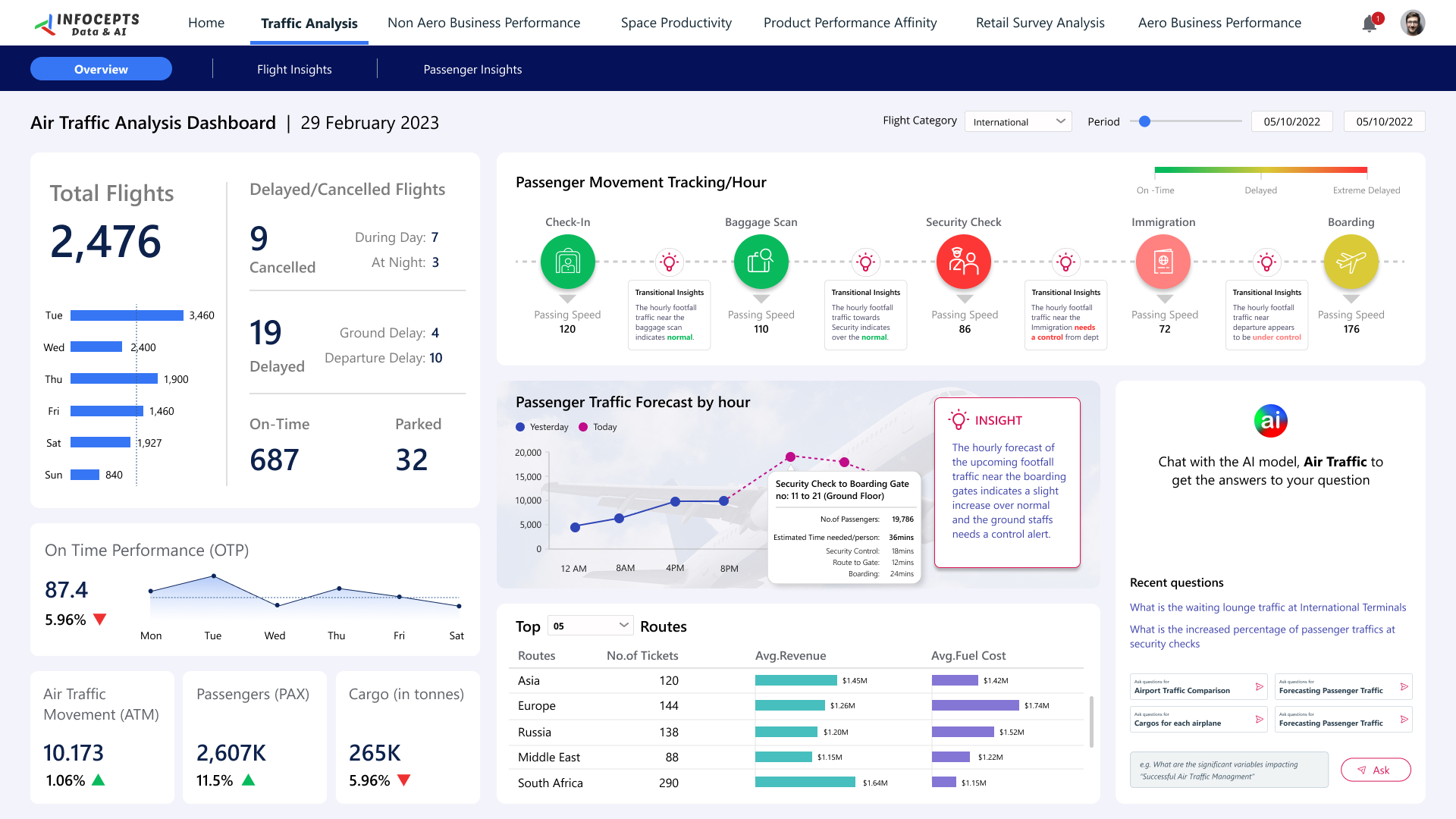
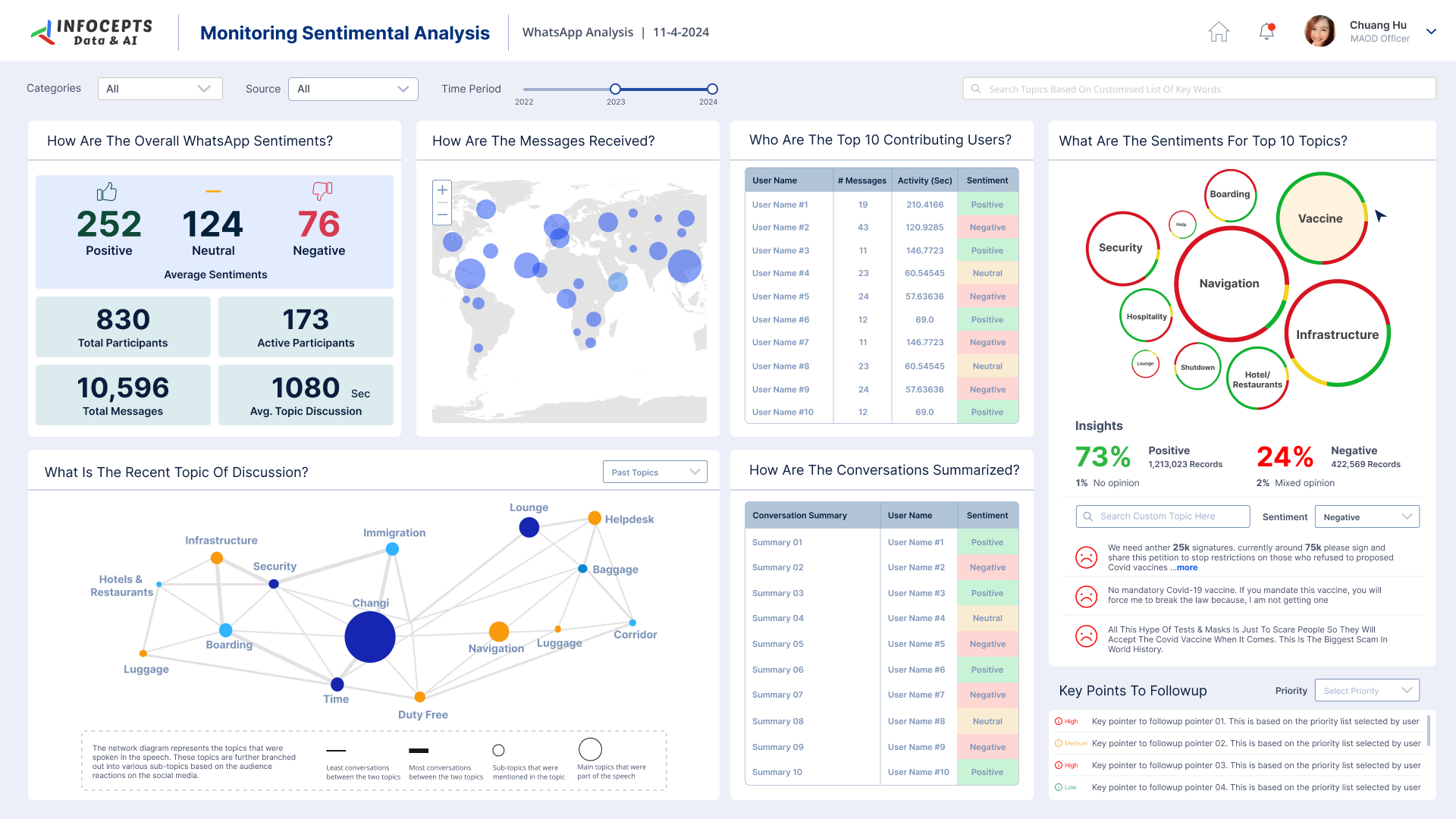
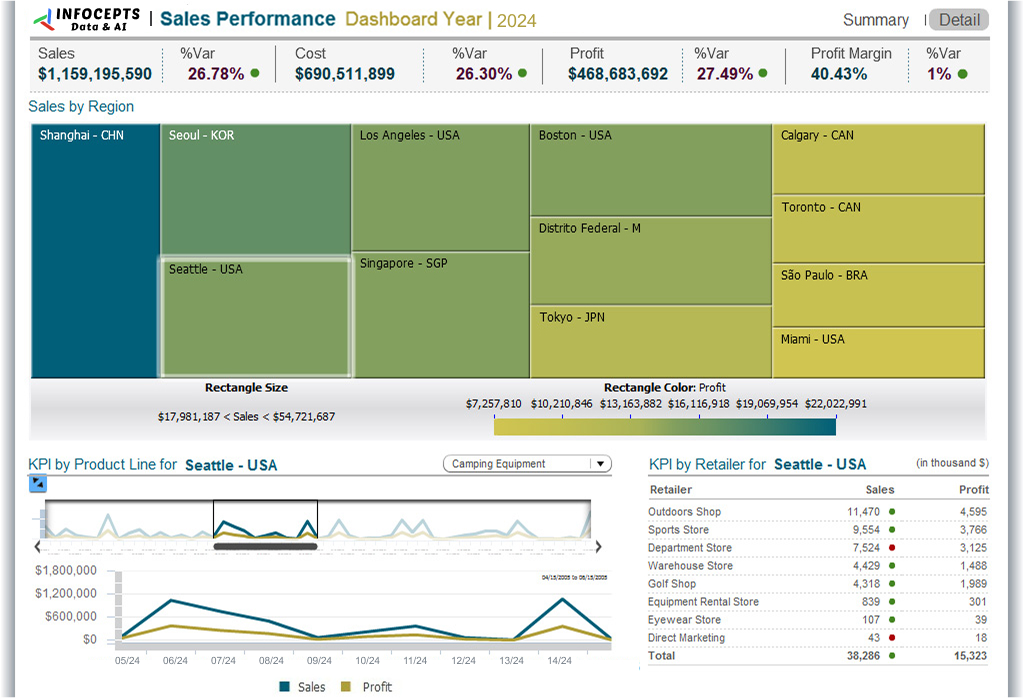
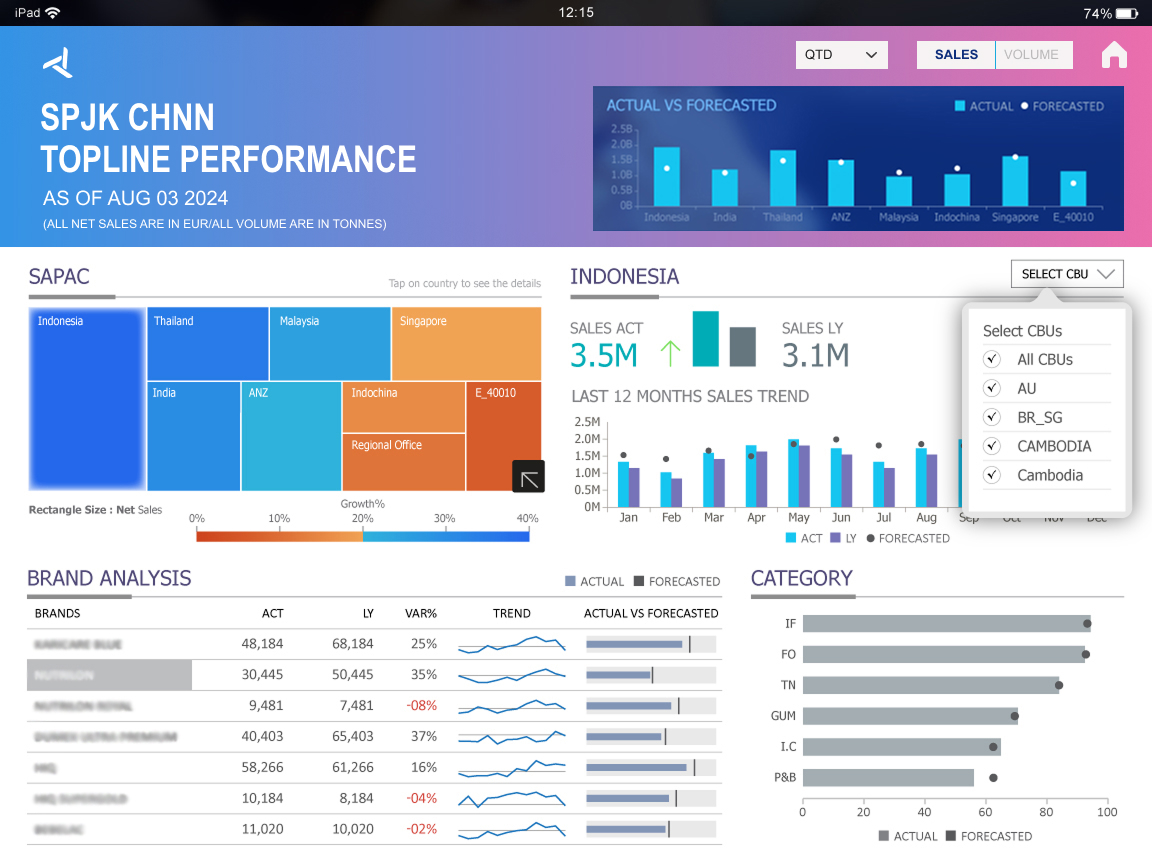
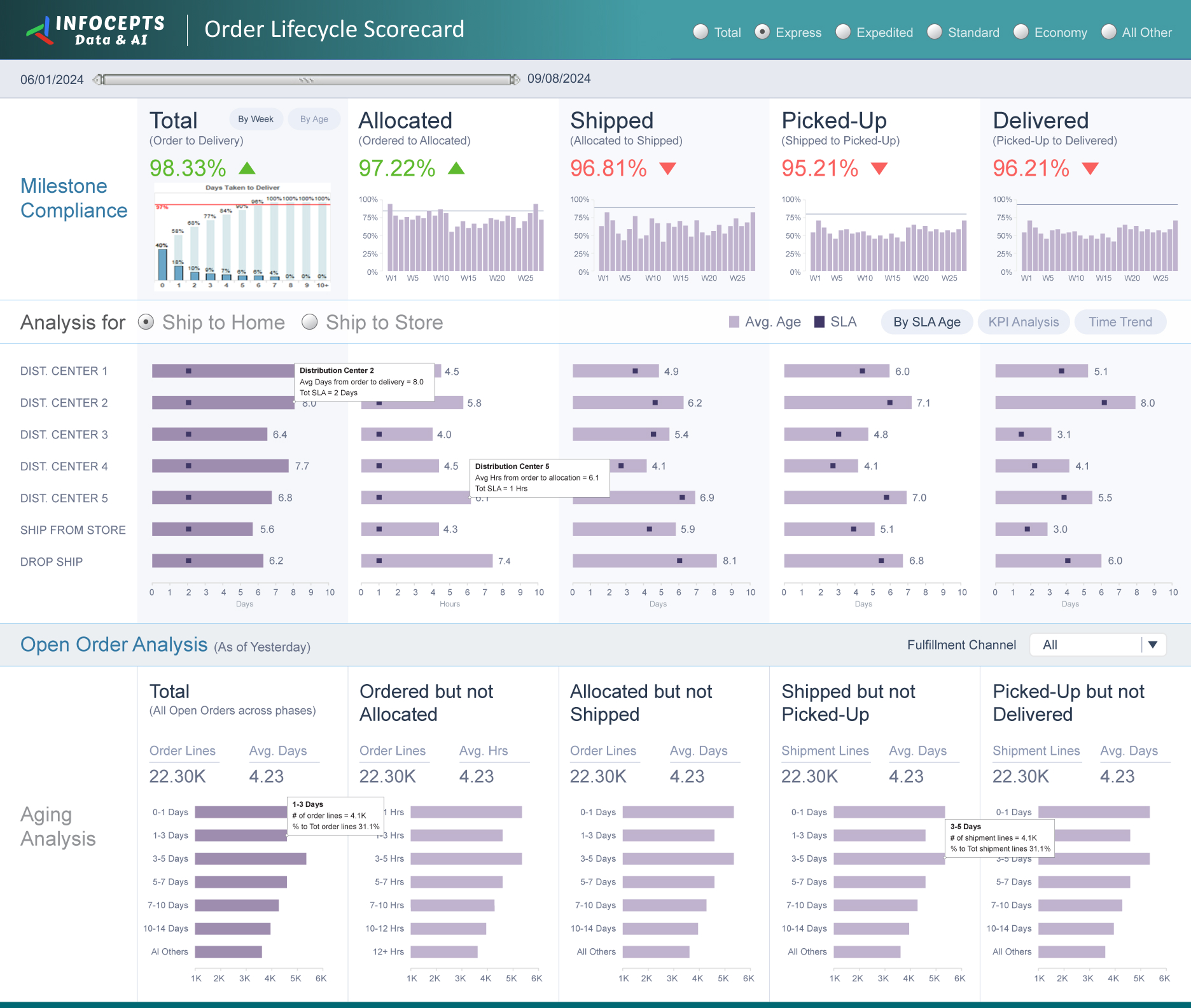
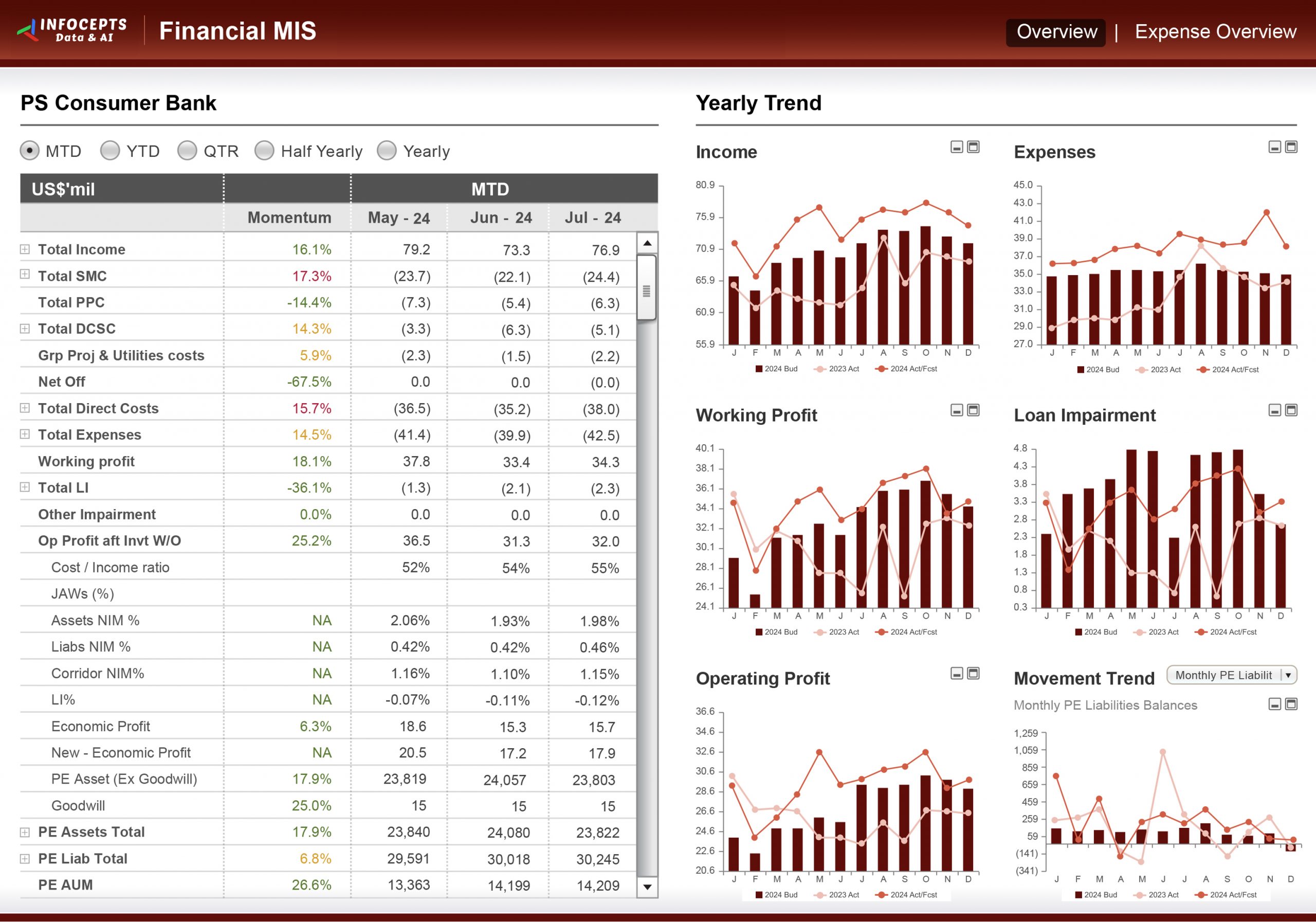
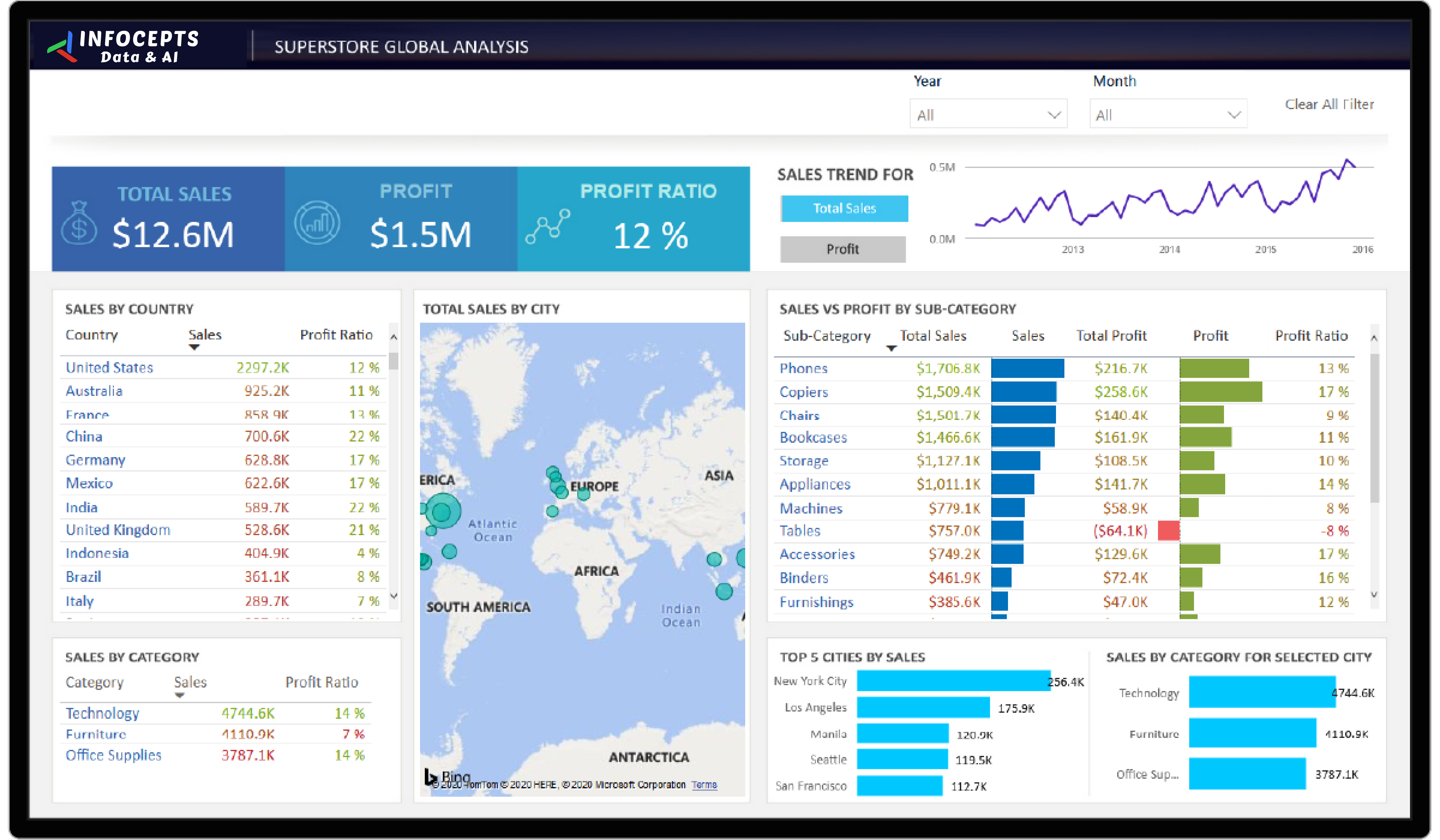
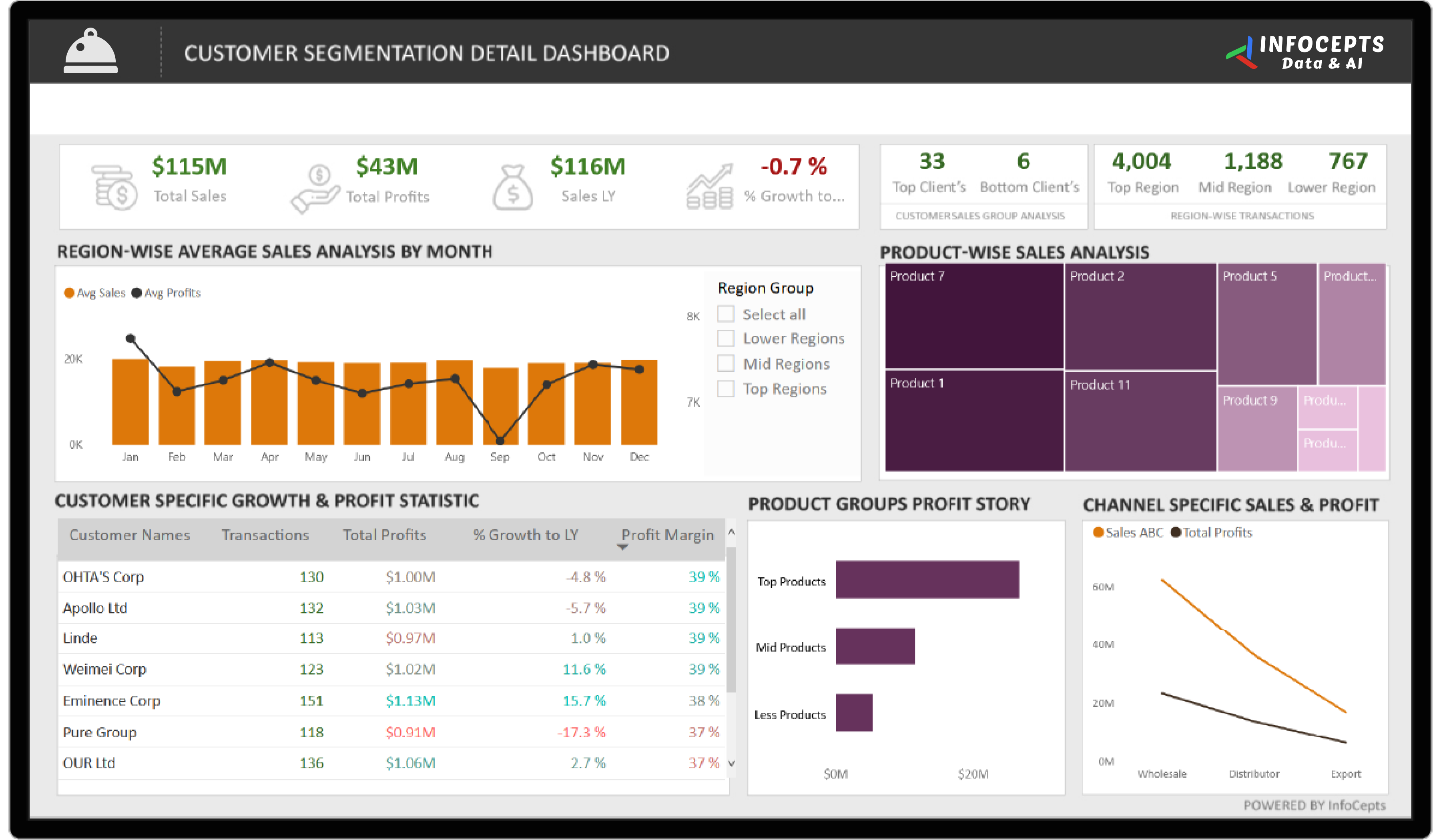
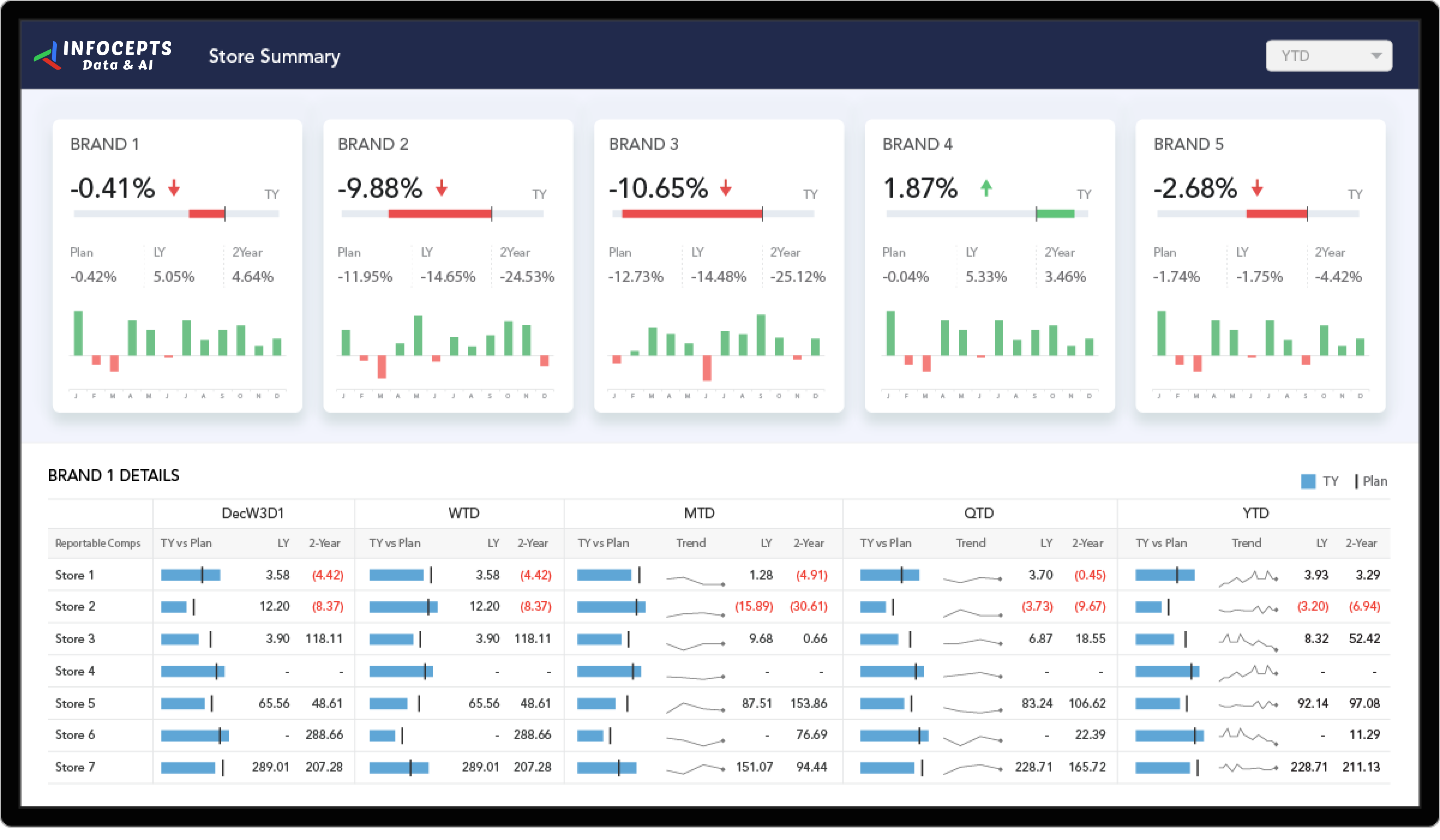
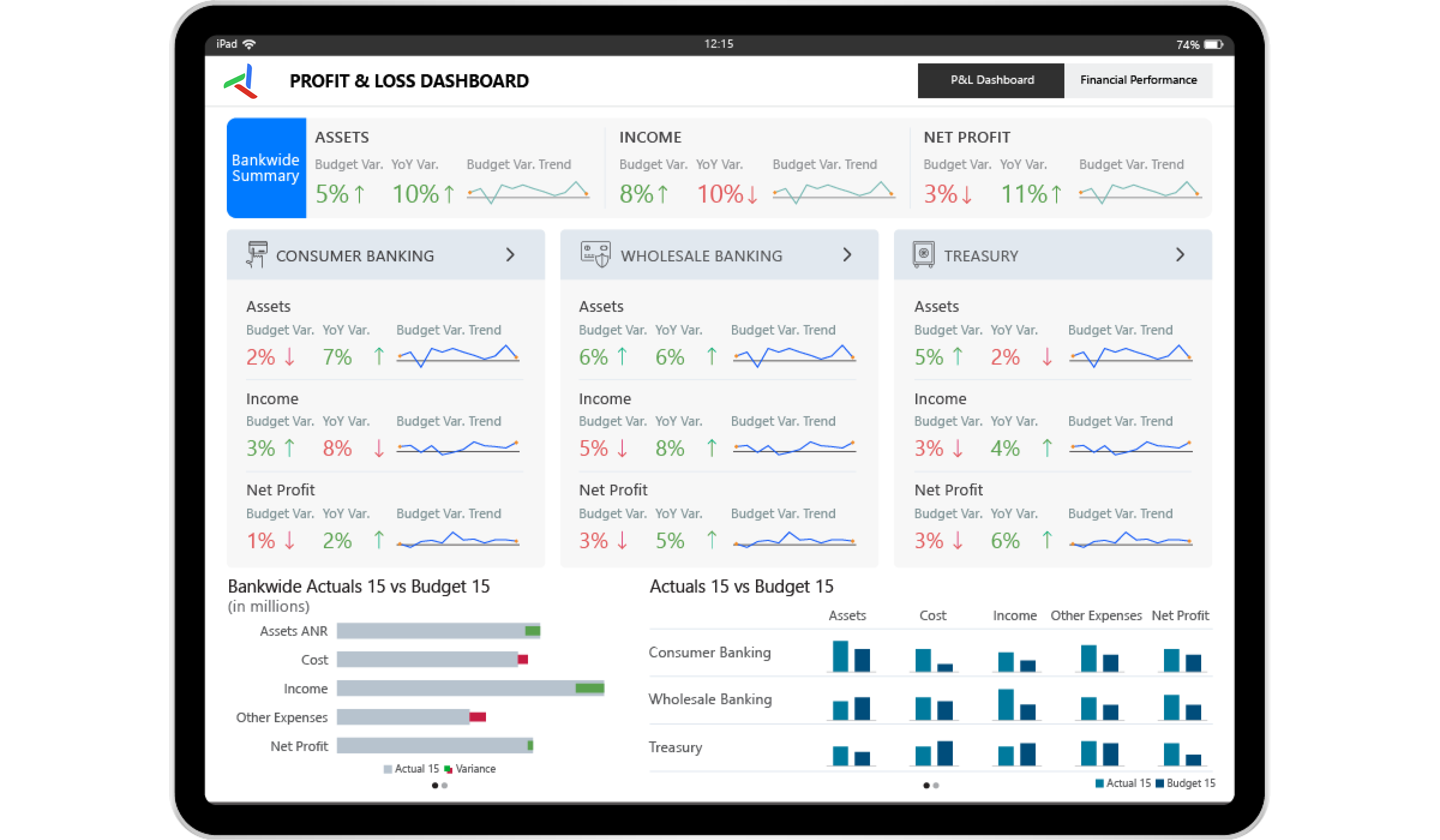
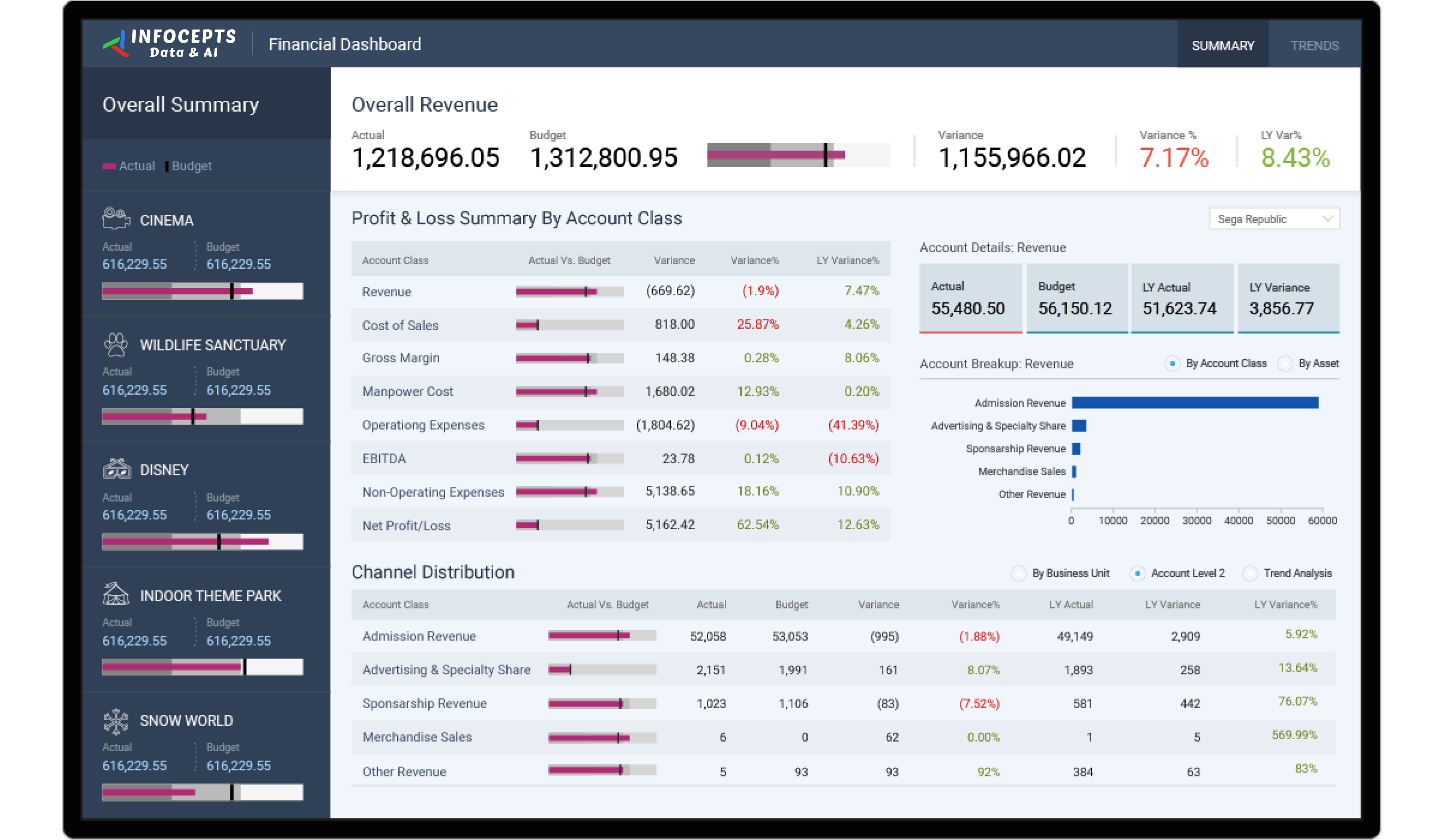
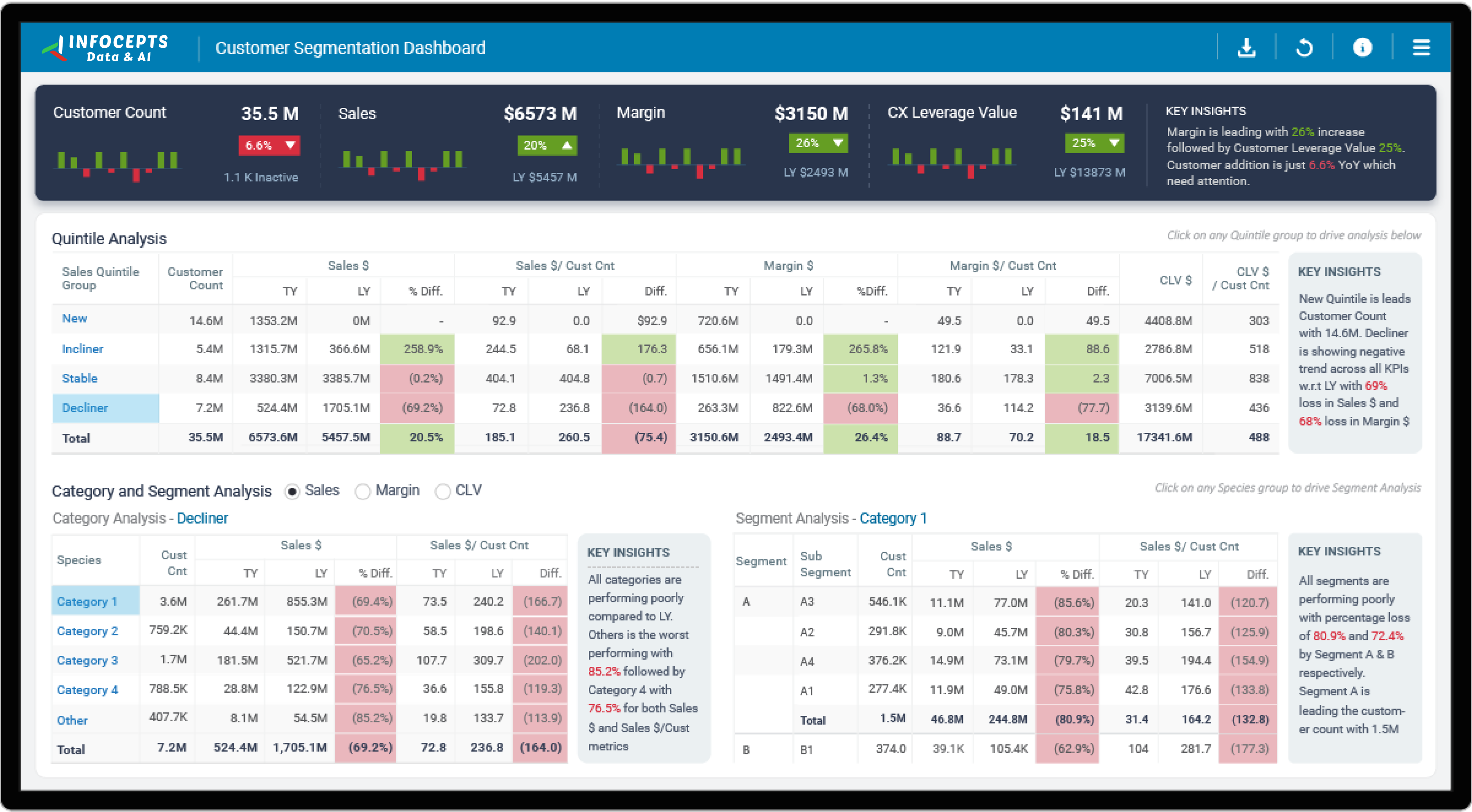
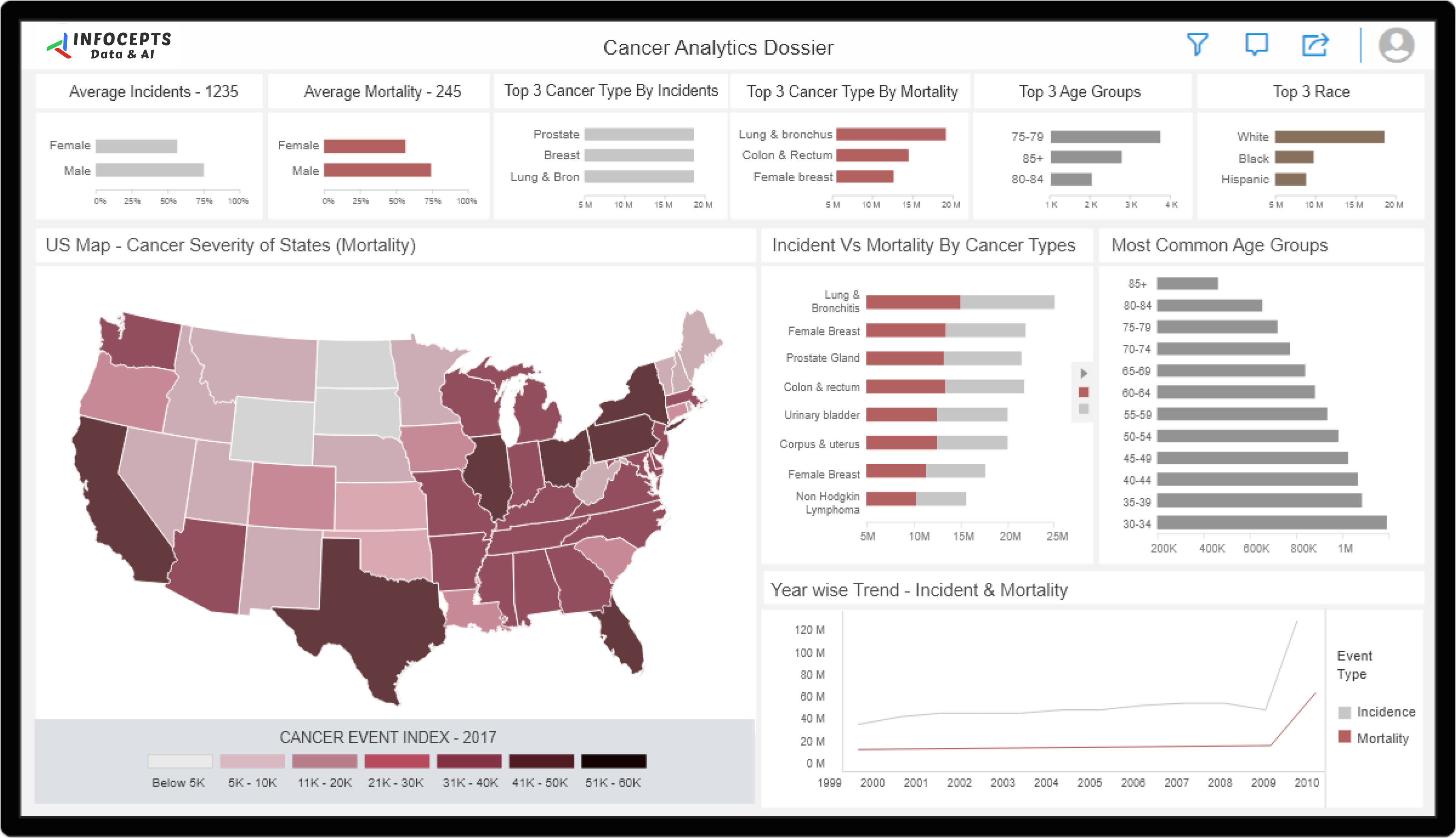
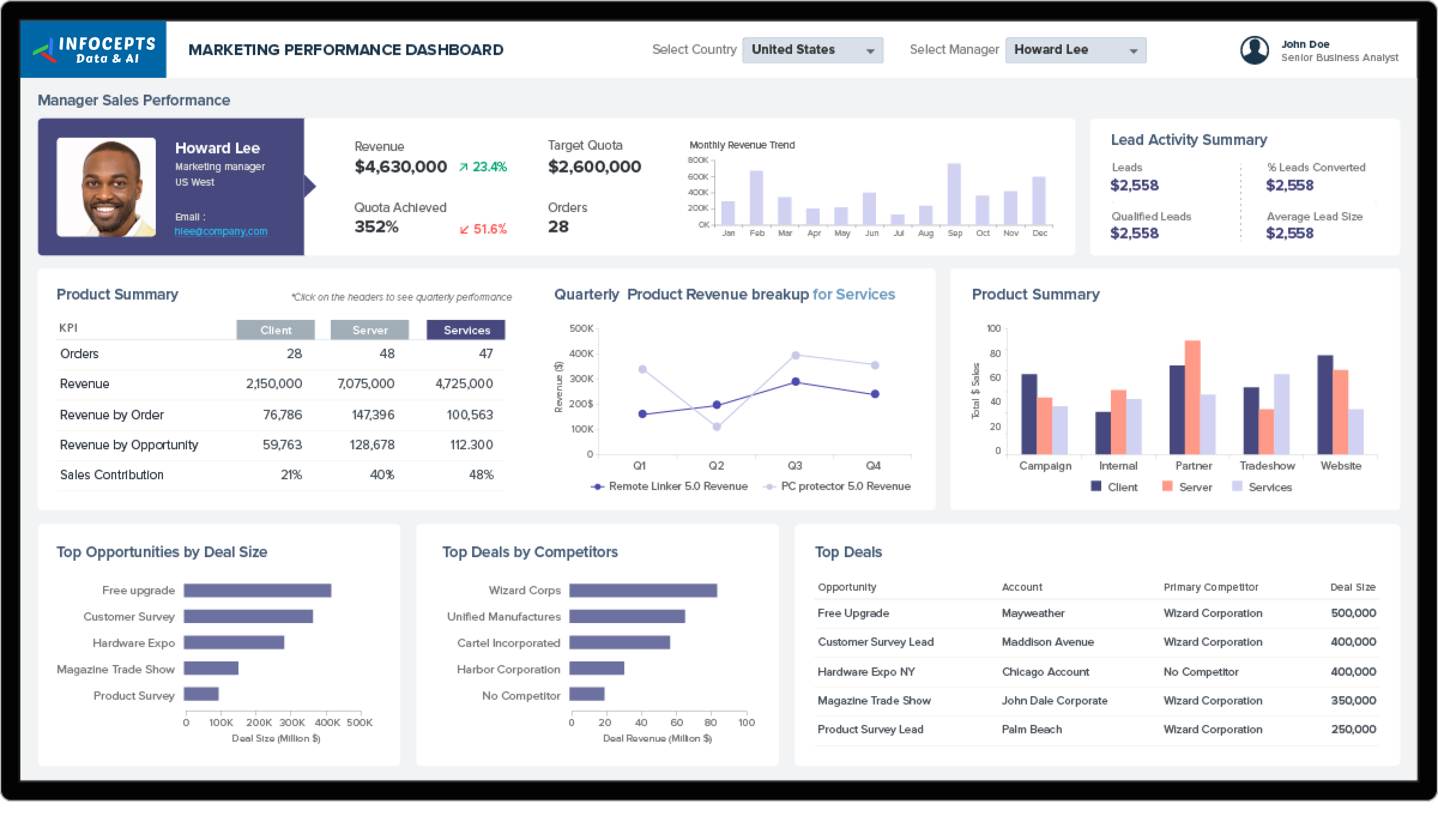
This finance dashboard gives finance teams and decision makers one view of revenue, expenses, profitability, and key financial metrics. They use it to monitor performance, control budgets, and plan strategy with current numbers instead of waiting for a monthly close. Infocepts built it on Power BI.
What problem did this dashboard by Infocepts solve for the finance team?
Finance teams often work from last month’s close, which makes it hard to monitor financial health as it changes. Infocepts connected ERP and financial systems through data engineering and integration and built one visual view. Revenue, expenses, and profitability now sit together, so leaders can act on current numbers.
What does the finance dashboard track?
It tracks revenue, expenses, profitability, and the financial KPIs an organization reports on, such as margin by product line or budget variance by department. The dashboard also lists cash flow analysis, revenue against expense trends, financial risk, and the debt to equity ratio. Everything sits in one view for budget and planning conversations.
Who uses finance dashboards in Financial Services companies and how?
Finance teams use them to monitor performance against budget and spot cost trends early. Decision makers across the organization, not only in finance, use them for budget control and strategic planning. Leaders in Financial Services get current numbers for those conversations instead of a periodic report built after the close.
What business impact did the finance team see after rollout?
Reported results include a 23% improvement in cash flow analysis and a 39% reduction in financial risk. It also lists 62% capture of revenue against expense trends. They point to a clearer view of cash and of how revenue compares with spending.
Key metrics: revenue, expenses, profitability, cash flow, revenue against expense trends, budget variance, margin by product line, and financial risk.
Explore more examples in the Financial Services section, see the financial analytics for banking dashboard, or review the wealth management analytics dashboard.
Want a finance dashboard for your organization? Talk to our team about what to track and how to build it.

 Pranali Lanjewar